HSI Operation
6-8 FlightDEK-D180 Pilot’s User Guide
4. To indicator. There is no “from” indication with GPS data, since the GPS is the source of the course line. This
arrow always points the same way as the course line, as indicated in the small oval in the previous figure.
5. Vertical Guidance Indicator. When connected to a Garmin 396/496 the glideslope indicator mimics the GPS’s
vertical guidance display. This appears only when a VNAV profile is active on the GPS.
When the HS34 is connected to a WAAS-enabled GPS that can provide vertical guidance, this vertical guidance
is displayed as specified by your GPS user manual.
6. Bearing to waypoint (BTW) indicator. This thin yellow diamond shows the bearing to the destination waypoint.
The diamond points in the direction you would need to fly from your present location to th
e waypoint. When
flying directly on course, your BTW and course lines overlap one another. The text area of the page contains a
numerical display of this bearing and a diamond icon to signify its symbol on the display.
The HS34 adds the possibility of having many more bearing sources in the system, so the behavior of the BRG
SRC button is dependent on how many devices you have connected. When you press this button, if you have
only one possible bearing source, the bearing source toggles on and off. If you have two or more bearing
sources, pressing the BRG SRC button highlights the first bearing source. Turning the VALUE knob allows yo
to choose y
u
our bearing source from all options. Pressing the bearing source
or pressi
again chooses the second bearing
ng any buttons, the selection self-source. If you wait more than 5 seconds without adjusting anything
clears.
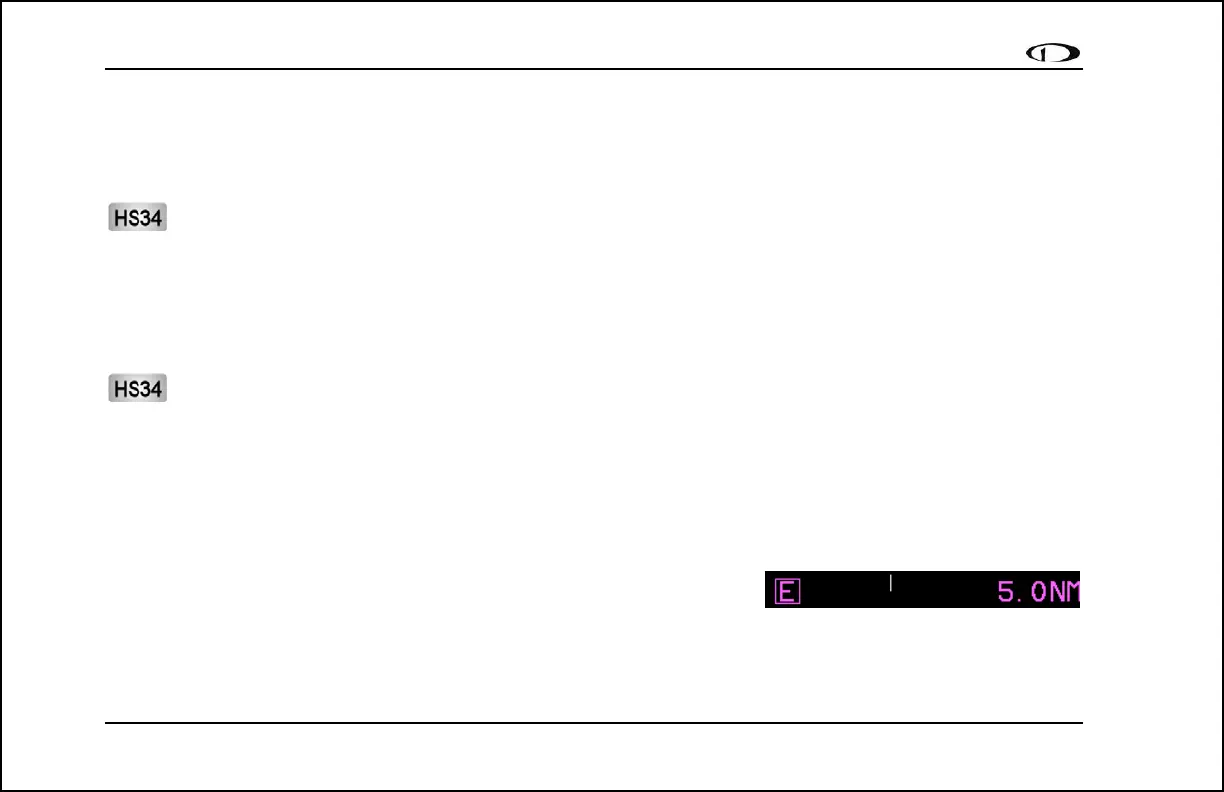
7. Scale indicator. This shows you what scale the CDI is using. Since
serial GPS streams do not indicate the correct scaling mode, this must
be configured manually with the “scale” button under the HSI menu.
The three options are “E” for enroute (5 n.m. full scale), “T” for terminal (1 n.m. full scale), and “A” for
approach (0.3 n.m. full scale). The current scale name and full scale range is indicated on the screen.



 To Next Page