Product Operation
The FlightDEK-D180 has several pre-defined screen
configurations. The basic layout of a screen configuration is
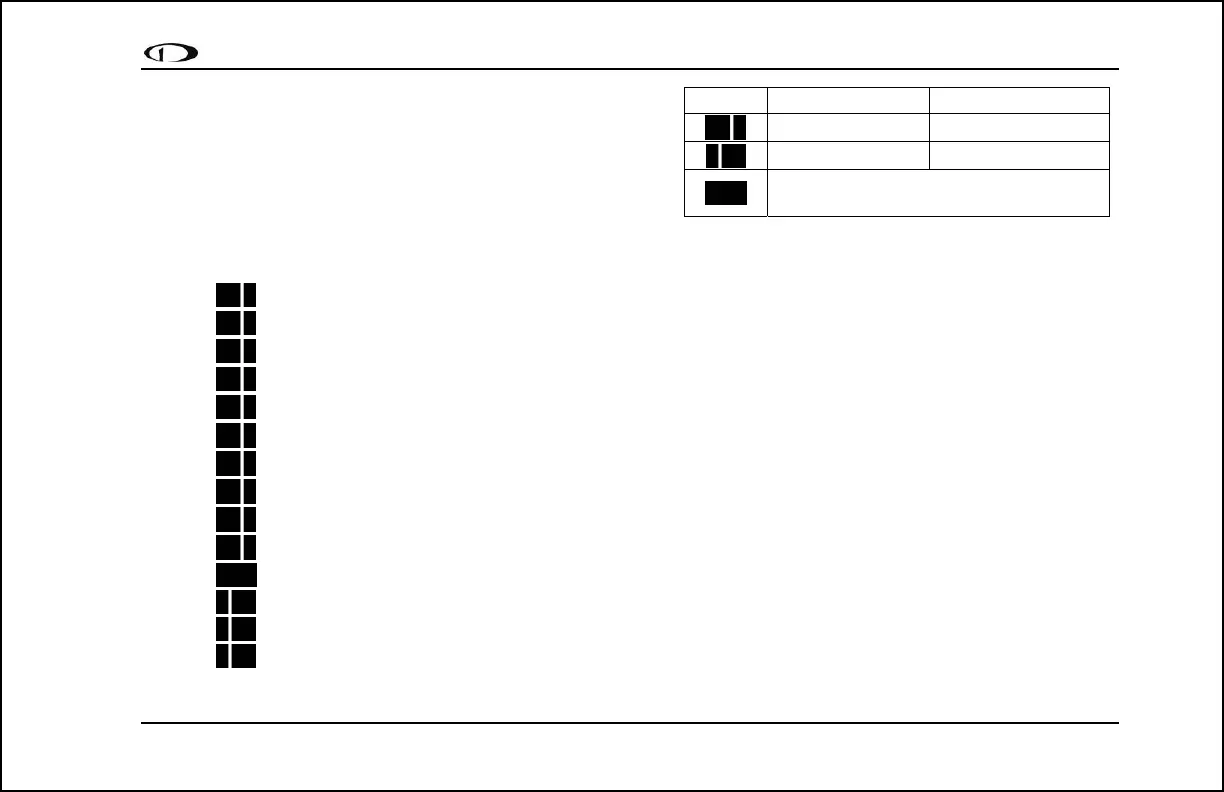
represented by one of three icons on D100-series product. The
table at right shows the three icons and their meaning.
The predefined screen configurations with their respective icons
are as follows:
EFIS/EMS (default FlightDEK-D180 boot-up screen; in default rotation)
EFIS/AUX (in default screen rotation)
EFIS/FUEL (in default screen rotation)
EFIS/TIMES (in default screen rotation)
EFIS/HSI (in default screen rotation)
EMS/EFIS
EMS/AUX
EMS/TIMES
EMS/FUEL
EMS/HSI
EFIS
EFIS/EMS
EMS/EFIS
HSI/EMS
FlightDEK-D180 Pilot’s User Guide 3-3
Icon Left Page Area Right Page Area
2/3 1/3
1/3 2/3
One page that occupies all of the screen
area
The SCREEN LIST Menu uses icons to illustrate the
layout for each screen configuration.



 To Next Page