HSI Operation
FlightDEK-D180 Pilot’s User Guide 6-3
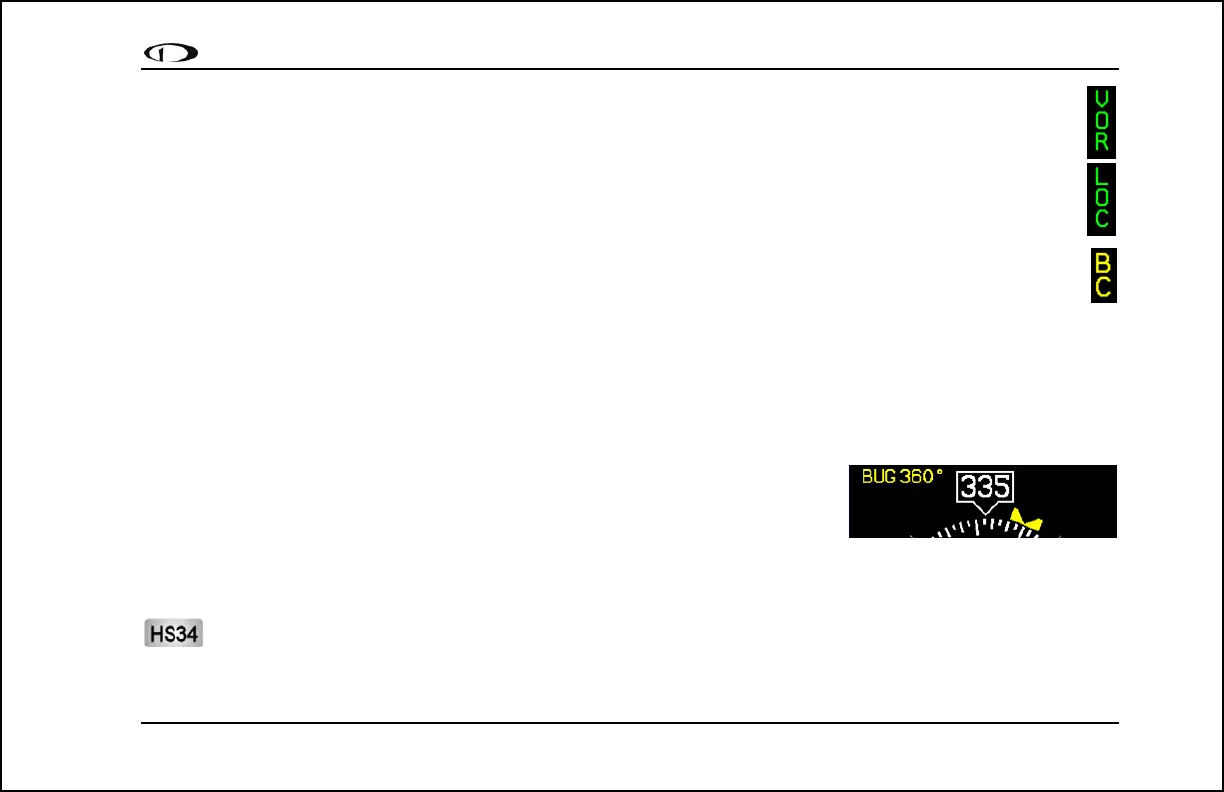
c. “VOR” in green text. This means the radio is tuned to a standard VOR station and is giving a
valid TO or FROM indication.
d. “LOC” in green text. This indication means that the radio is tuned to a localizer. The glideslope
scale is visible as well, but may be flagged invalid.
e. “BC” in yellow text. This indication means that the radio is tuned to a localizer and is in back
course mode. The glideslope scale is visible as well, but may be flagged invalid. Note: when
flying a back course on an HSI, no reversal is needed since the CDI indicator spins with the DG.
If the course is set to the runway heading of the ILS, when flying the back course, the CDI is
flipped 180 degrees and indicates properly with no reversal needed. If you put the SL-30 into
back course mode, you need to set the course to the heading of the back course runway. Setting the
course to the heading of the primary ILS runway causes the CDI needle to be reversed.
2. Digital heading indicator. The number in this box is the current magnetic heading of the aircraft in degrees from
001 to 360. The accuracy of this data depends on the accuracy of the heading calibration for your FlightDEK-
D180.
3. Directional Gyro (DG). The ring of tick marks and numbers acts as a
traditional directional gyro. The current magnetic heading of the aircraft is
the heading that is at the top of the page and is being pointed to by the
heading indicator.
4. Bug indicator. This user-settable bug also appears on the EFIS heading tape. Colored yellow, it can be toggled
on and off using the HSI menu or the main EFIS menu.
The HEADING knob on the HS34 always controls the heading bug. Turning the knob when the bug is not
displayed switches the bug to the on state. Press the HEADING knob to sync the bug to the current heading.



 To Next Page