57
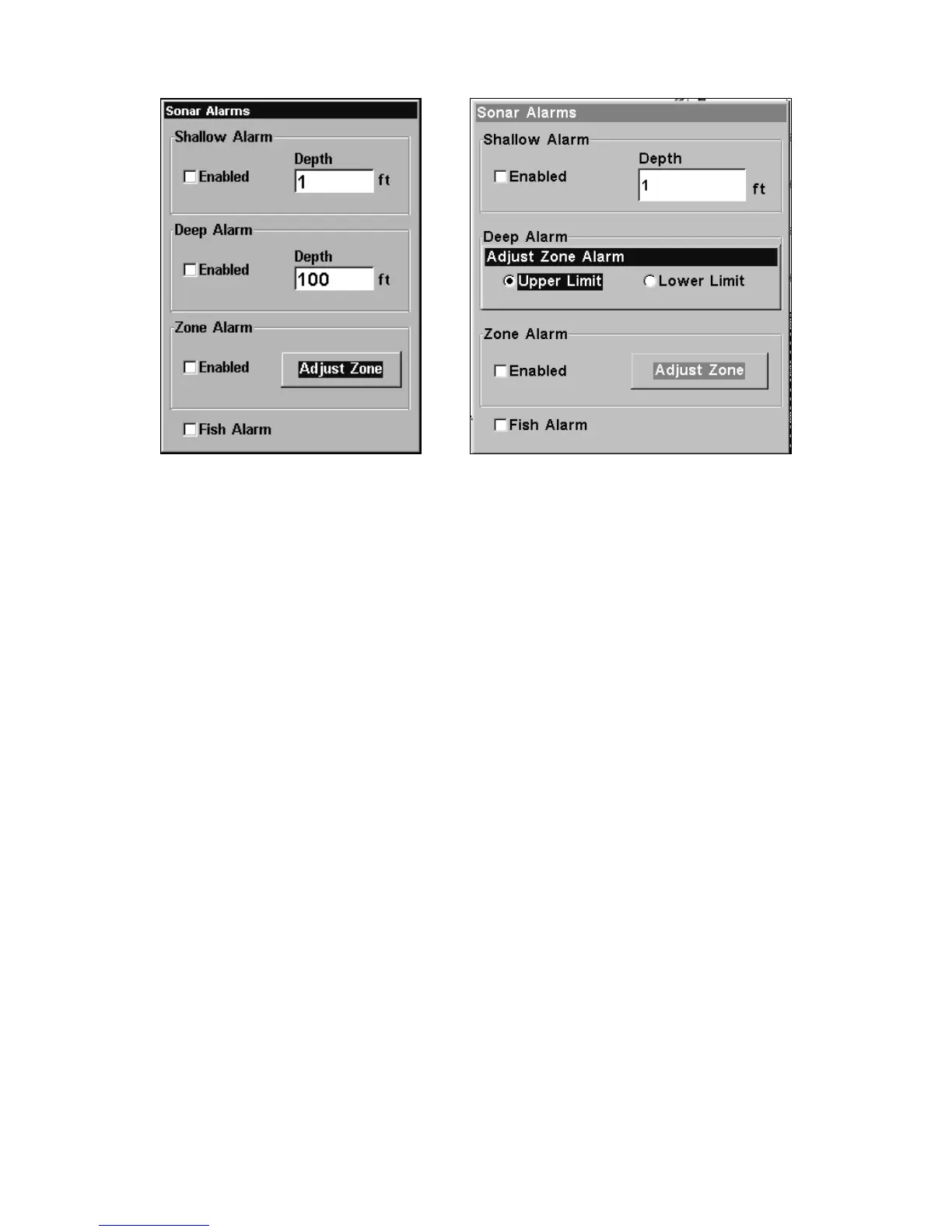
Sonar Alarms menu (left) with Adjust Zone command selected.
Adjust Zone Alarm selection box (right) with Upper Limit selected.
4. Press EXIT|← to Zone Alarm ENABLED|ENT|EXIT. Now, any echo —
fish, bottom, structure — within the zone alarm's depth range will trig-
ger the zone alarm.
5. To turn the alarm off press
ALARM|↓ to Zone Alarm
ENABLED|ENT|EXIT.
To switch to a different depth setting, open the Sonar Alarms menu and
repeat the instructions in steps 3 and 4 above.
Fish Alarm
Use the fish alarm to receive an audible alarm when fish or other sus-
pended objects are detected by the Fish I.D. feature. Fish I.D. must
be turned on for the Fish Alarm to work. A different tone sounds for
each fish symbol size shown on the display.















 To Next Page