62
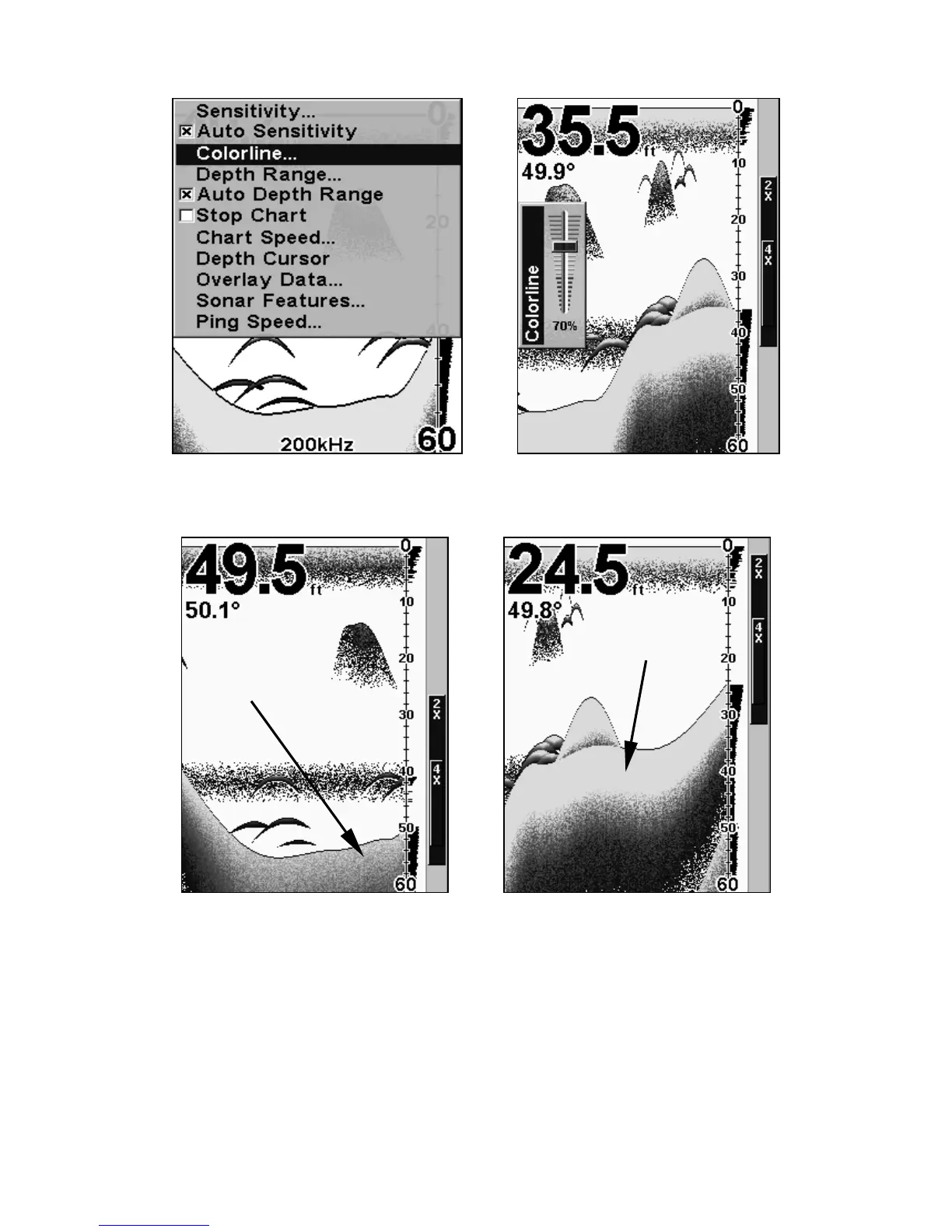
Sonar Page menu (left) with ColorLine command selected.
The ColorLine control bar is shown at right.
Little ColorLine (left) indicates a soft bottom, probably sand or mud.
The wider ColorLine (right) indicates a harder, rocky bottom.
Depth Cursor
The depth cursor consists of a horizontal line with a digital depth box on
the right side. The numbers inside the box show the depth of the cursor.
Wider
ColorLine
Thin or no ColorLine















 To Next Page