90
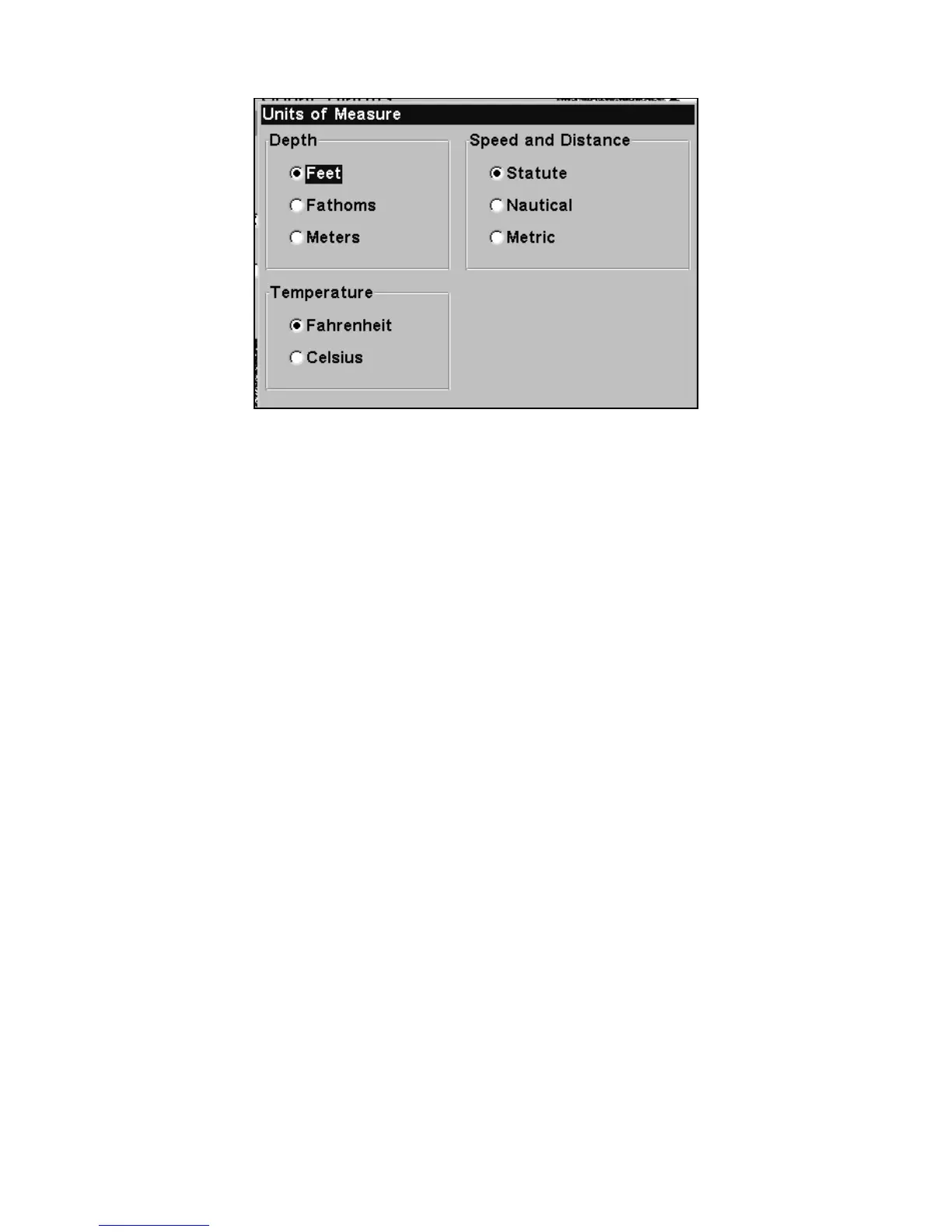
The Units of Measure Menu.
To set Units of Measure: Press ↓ to the desired units, then press ENT.
After all the options are set as desired, press EXIT|EXIT to return to the
page display.
Volume
This command adjusts the speaker volume, which controls the sound
levels for keystrokes and alarms. If you want to turn off all sounds set
the volume to zero.
To adjust volume:
1. Press
MENU|MENU|↓ to SOUNDS|ENT.
2. The volume control bar appears. Use the volume slider to increase or
decrease the volume level. When it's set at the desired level, press
EXIT.
Zoom Bar
"Zooming" the display is a common, fast and easy method used to en-
large small detail, fish signals and the bottom with its associated struc-
ture. This unit lets you zoom the display quickly and easily by pressing
the Zoom In key,
ZIN.















 To Next Page