75
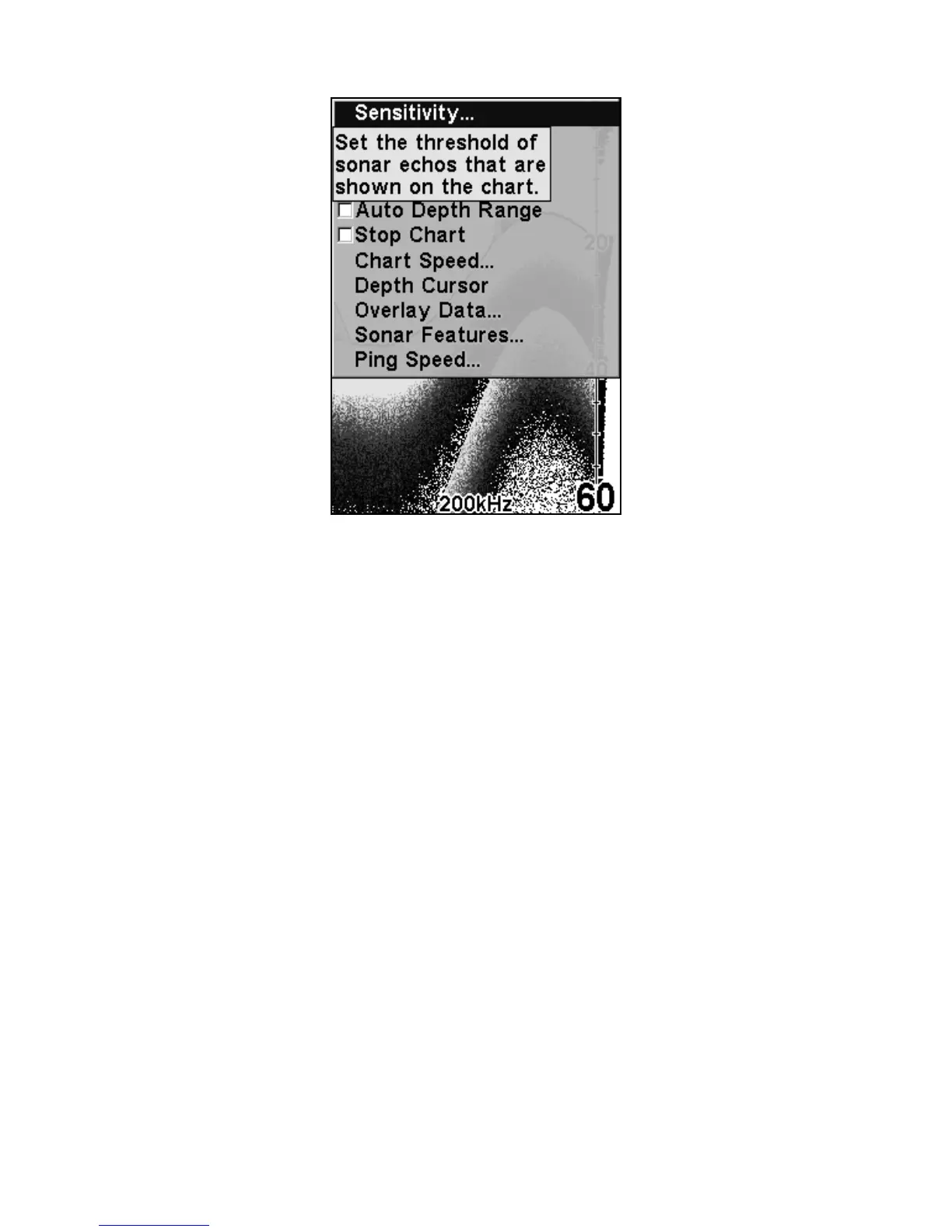
Example showing the Pop-up Help message for the Sensitivity com-
mand located on the Sonar Menu.
Reset Options
This command is used to reset all features, options and settings to their
original factory defaults. This is useful when you have changed several
settings and want to return the unit to basic automatic operation.
1. Press
MENU|MENU|↓ to RESET OPTIONS|ENT.
2. Press ← to
YES|ENT.
3. All the menus are cleared and the unit reverts to the full sonar chart,
just as if you had turned it on for the first time. All options have been
returned to the factory settings.















 To Next Page