88
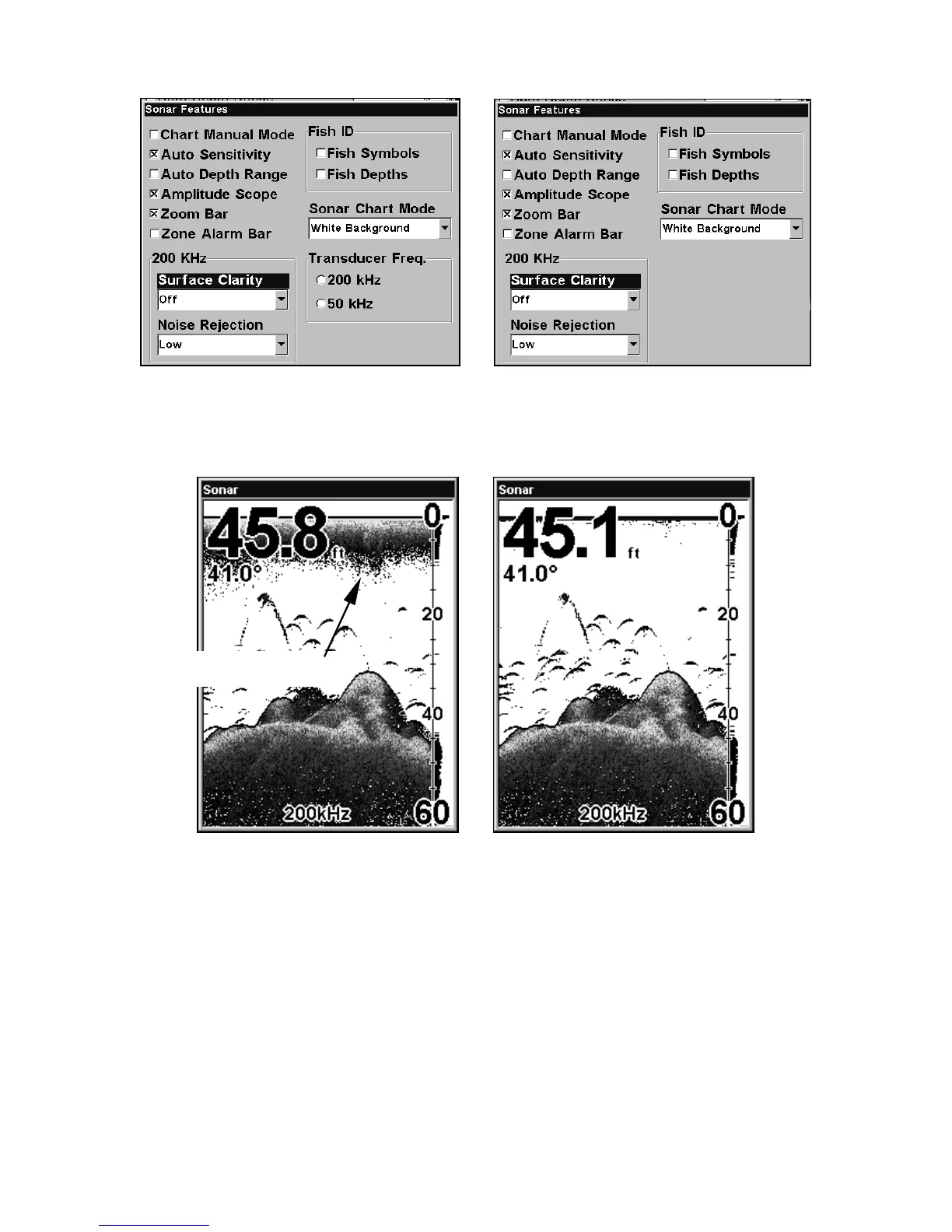
Sonar Features menu with Surface Clarity selected (at left, dual-
frequency menu; at right, single-frequency menu).
2. Press ↓ to select Surface Clarity|ENT.
In the illustration at left, Surface Clarity is turned off.
The right view shows Surface Clarity set at High.
Transparency
Use the transparency menu to adjust the transparency of menu win-
dows. A high transparency allows you to continue monitoring the sonar
chart while adjusting feature settings, though the text of the menus
may fade until it is unreadable. A low transparency will usually make
menu text easier to read, at the cost of watching your sonar returns.
Surface clutter















 To Next Page