86
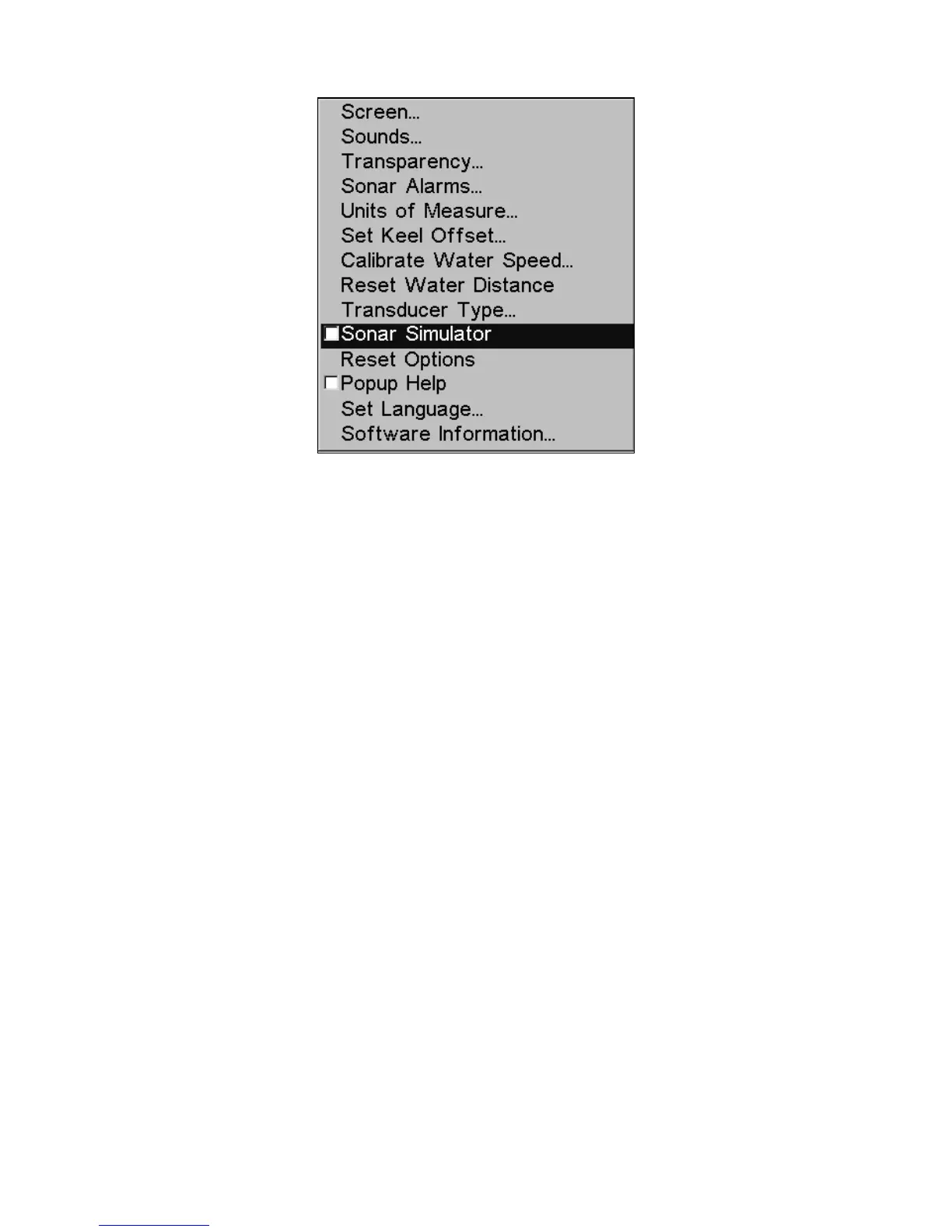
Main Menu with Sonar Simulator command selected.
The Simulator is turned off when the box is unchecked.
NOTE:
If you turn the unit on before attaching a transducer, it may enter a
demo mode. The words "demo mode" flash on the bottom of the
screen and a sonar chart plays much like the simulator. Unlike the
simulator, the demo mode is for demonstration only and will auto-
matically stop as soon as you turn the unit on with a transducer at-
tached. The simulator will continue to function normally.
Stop Chart
There may be a time when you want to turn off the sonar. This com-
mand turns off the sonar and stops the chart from scrolling. Sonar re-
starts automatically each time you turn the unit back on.
Press
MENU|↓ to STOP CHART|ENT|EXIT.
To turn on sonar and start the chart scrolling again, repeat the previous
step.















 To Next Page