83
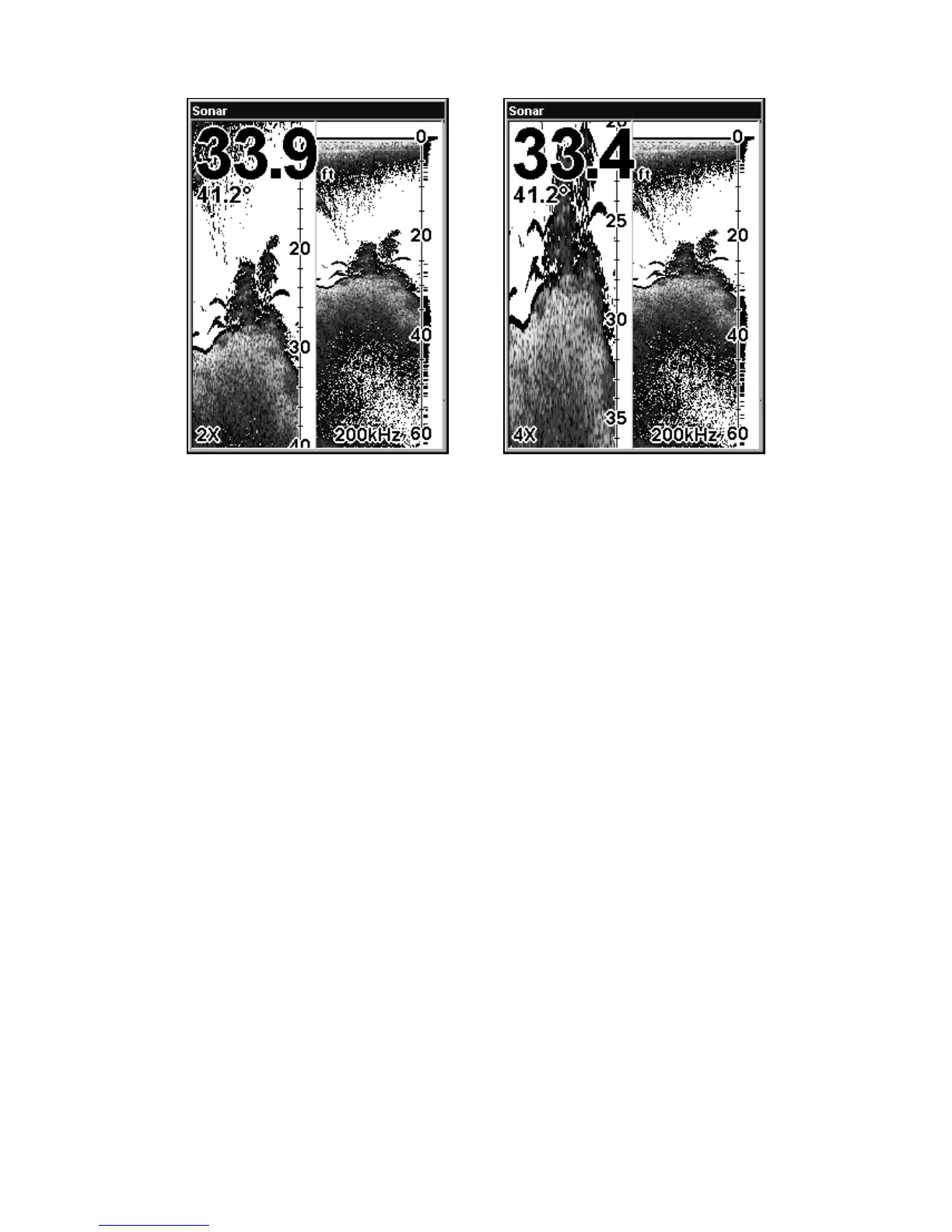
Split Zoom Sonar Chart. The left image shows the left split screen
window zoomed to 2X. The right image shows the left split screen win-
dow zoomed to 4X.
Digital Data/Chart
This mode shows the chart on the right side of the screen. The left side
has five large digital data boxes or windows containing (by default):
Water Depth; Water Temperature; Water Speed (from an optional
speed sensor) and Water Distance (distance traveled or log, it also re-
quires a speed sensor).















 To Next Page