81
To change the chart mode color scheme:
1. From the Sonar Page, press
MENU|↓ to SONAR FEATURES|ENT.
2. Press → to
SONAR CHART MODE|ENT.
3. Press ↓ or ↑ to Mode Name|
ENT.
4. Press
EXIT|EXIT to return to the Sonar Page.
Sonar Page & Sonar Chart Display Options
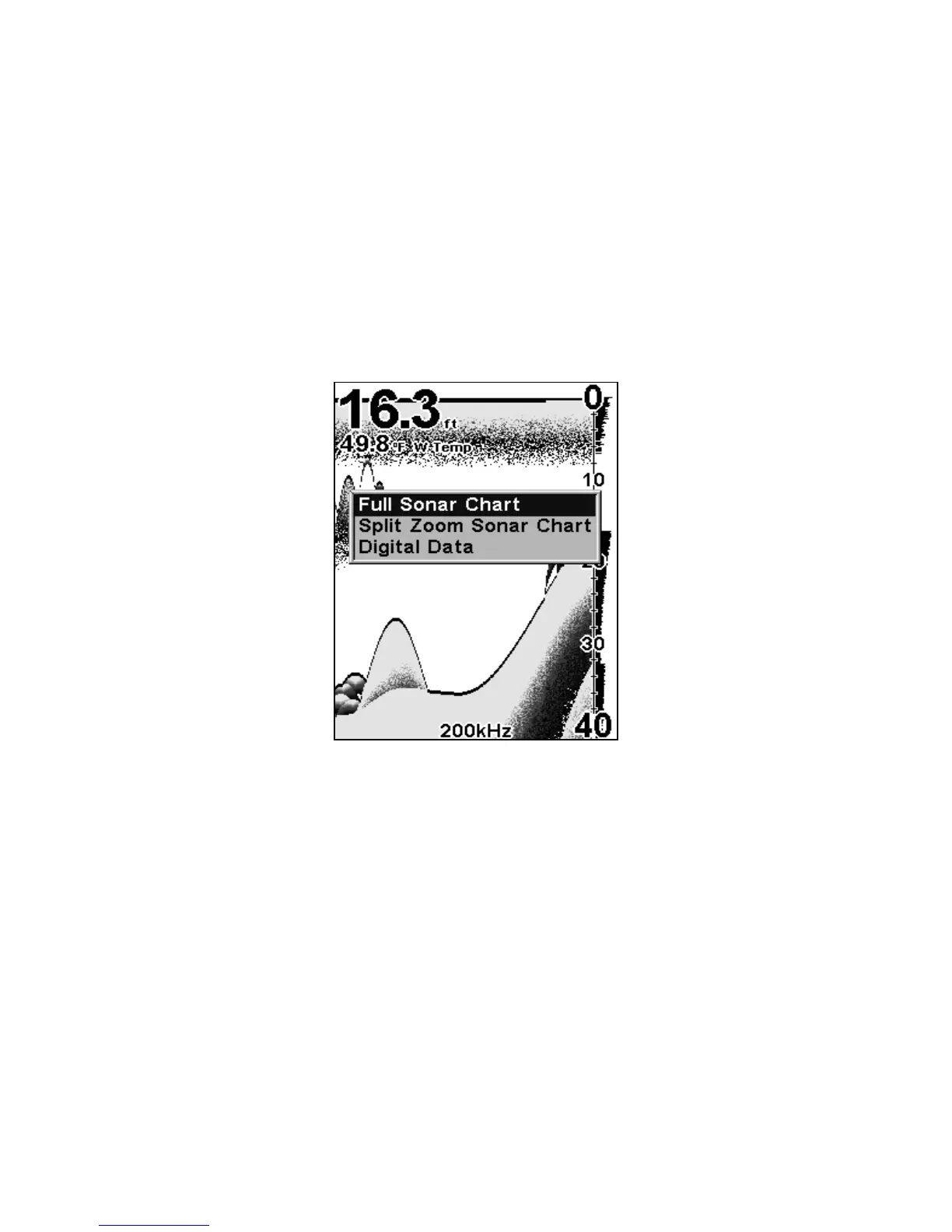
The Pages Menu offers three chart display options. To access them, press
PAGES ↑ or ↓ to Option Name|EXIT.
Pages Menu showing sonar chart display options.
Full Sonar Chart
This is the default mode used when the unit is turned on for the first
time or when it's reset to the factory defaults.
The bottom signal scrolls across the screen from right to left. Depth
scales on the right side of the screen aid in determining the depth of
targets. The line at the top of the screen represents the surface. The
bottom depth and surface temperature (if equipped with a temperature
sensor or a transducer with a temp sensor built in) show at the top left
corner of the screen.















 To Next Page