91
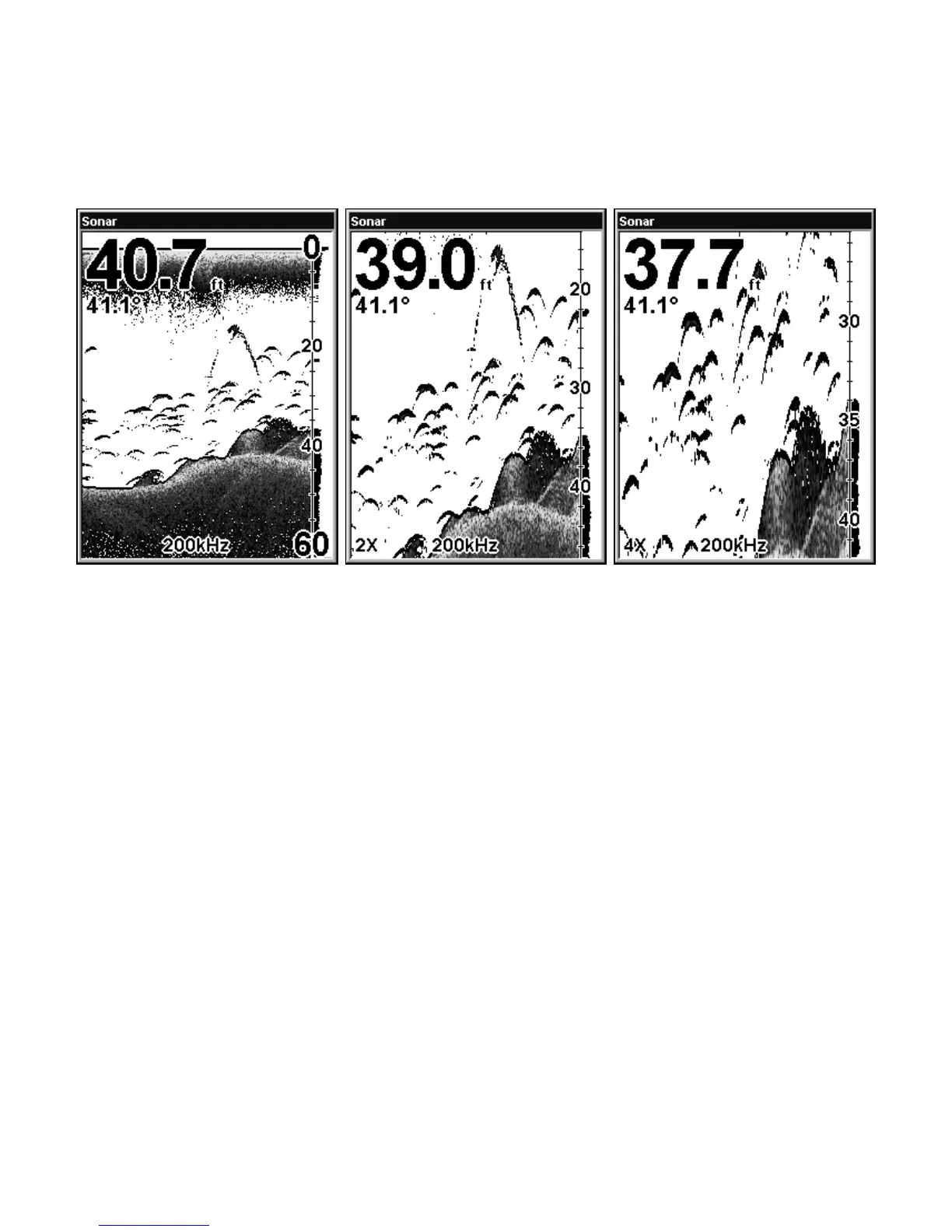
Pressing ZIN once doubles the size (2X) of all echoes on the screen.
Pressing it again quadruples the size of the echoes (4X). Press the Zoom
Out key,
ZOUT, to return the display to the normal mode.
Sonar Page (left) in normal view. Same view (center) zoomed to 2X.
Sonar Page zoomed to 4X is shown at right.
Zoom Pan
The unit has the ability to quickly zoom in on any portion of the water
column with just the touch of an arrow key. The Zoom Pan feature lets
you rapidly move the zoomed area up and down to different depths. By
"pointing" your zoom at different portions of the chart as it scrolls you
can get a good, close-up, view at structure or cover below you.
To use Zoom Pan, switch to a manual depth Range setting (see page 64)
and turn on 2X or 4X Zoom. Then press ↑ or
↓ to pan up and down the
water column.















 To Next Page