67
To turn the Fish I.D. feature on:
1. From the Sonar Page, press
MENU|↓ to SONAR FEATURES|ENT.
2. Press → to
FISH SYMBOLS|ENT|EXIT|EXIT.
To turn off Fish I.D., repeat the instructions in step 2.
FishTrack
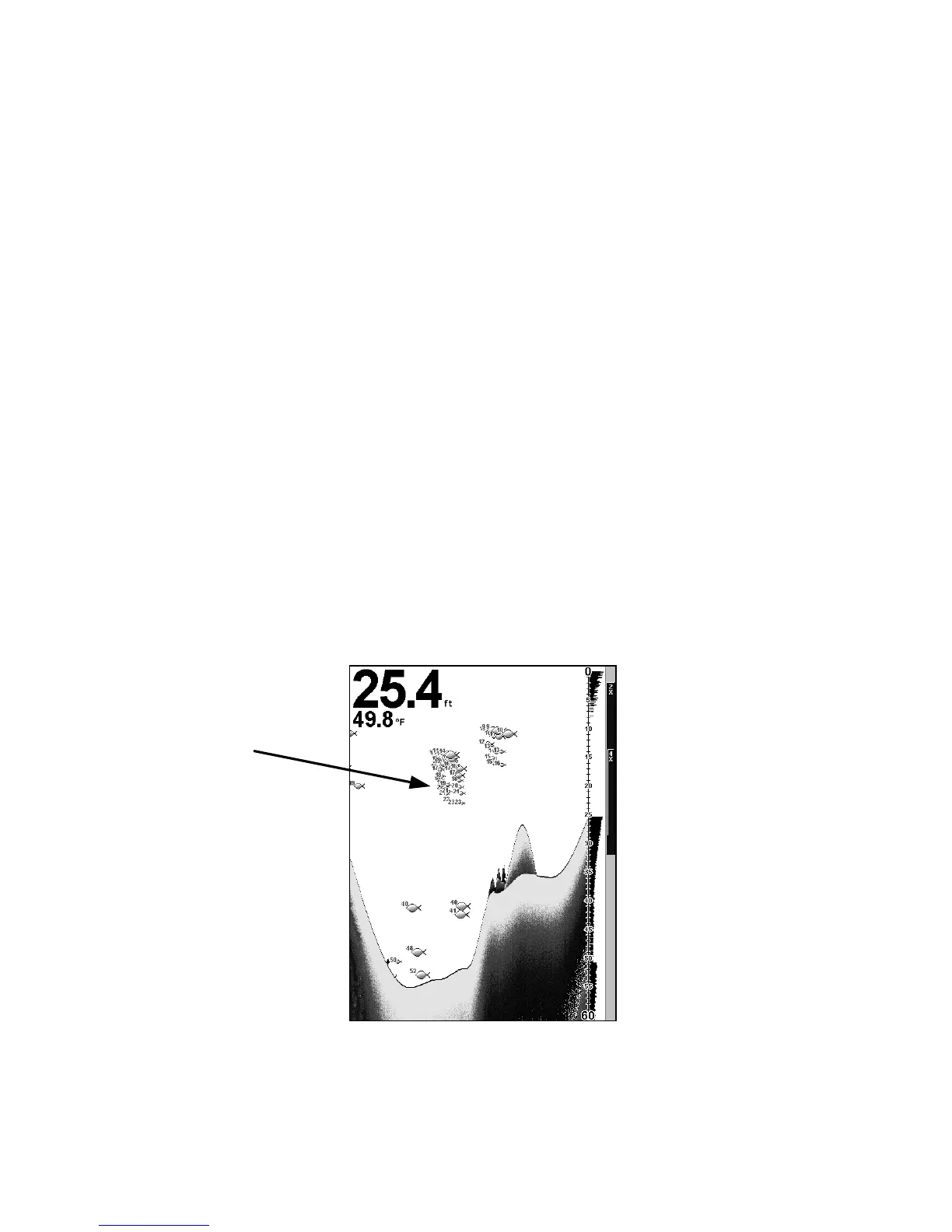
The FishTrack feature shows the depth of a fish symbol when it ap-
pears on the display. This lets you accurately gauge the depth of tar-
gets. This feature is available only when the Fish I.D. feature is on. The
default setting for FishTrack is off.
To turn on FishTrack:
(Note: These instructions will turn on FishTrack and Fish I.D. at the
same time.)
1. From the Sonar Page, press
MENU|↓ to SONAR FEATURES|ENT.
2. Press → to
FISH DEPTHS|ENT|EXIT|EXIT.
To turn off FishTrack, repeat the instructions in step 1. Turning off
FishTrack in this manner will not turn off Fish I.D. symbols.
Sonar Page showing both the Fish I.D. symbol and FishTrack depth fea-
tures turned on.
Fish Symbols with
FishTrack depths















 To Next Page