89
Experiment with this feature until you find the right level of transpar-
ency for your eyes.
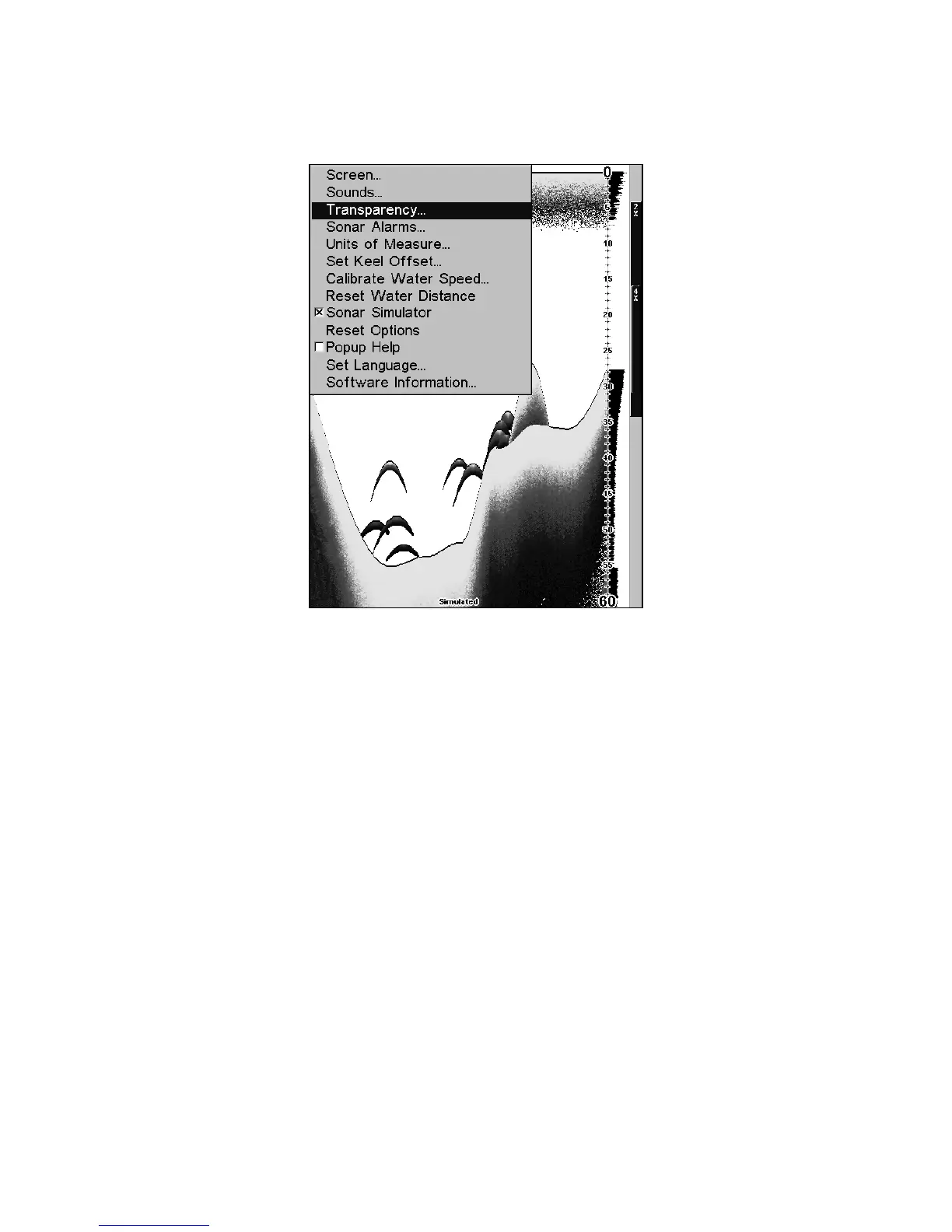
Main Menu with Transparency command selected.
To adjust Menu Transparency level:
Press
MENU|MENU|↓ to TRANSPARENCY|ENT. The TRANSPARENCY slider bar
appears. Press ↑ or ↓ to move the bar. The lower end of the scale makes
the menus opaque; the upper end is maximum transparency.
Units of Measure
This menu sets the speed and distance (statute or nautical miles, me-
ters), depth (feet, fathoms, or meters) and temperature (degrees Fahr-
enheit or Celsius). To change the units:
Press
MENU|MENU|↓ to UNITS OF MEASURE|ENT.















 To Next Page