70
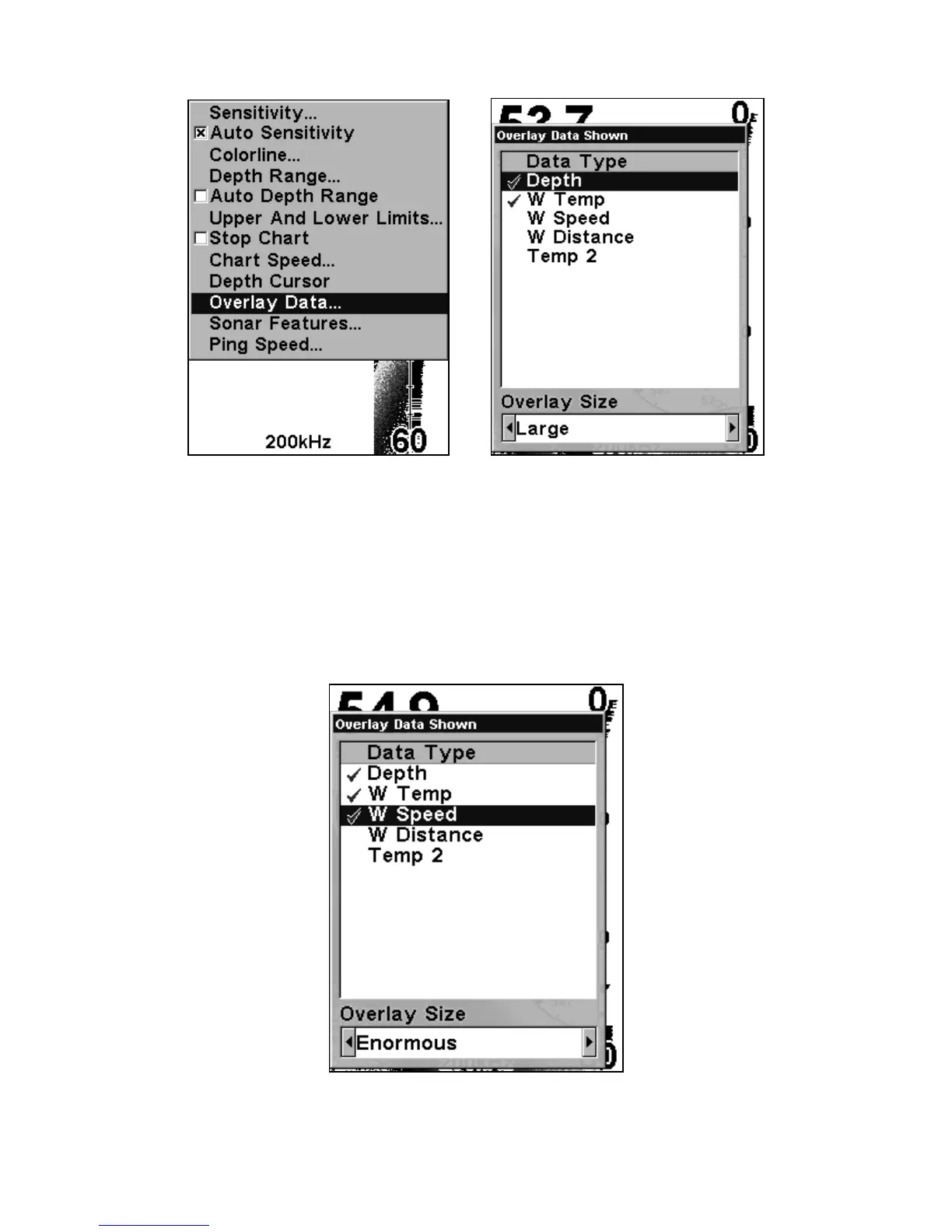
Overlay Data command (left) on the Sonar Menu. Overlay Data Shown
selection menu at right. In this example, Depth will be displayed in a
large font.
When selected, the data type shifts to the top of the data list and a
check mark appears beside the data type. You can now use ↓ or ↑ to
select other Data Types for display.
Data list showing Water Speed selected to display on Sonar Page.















 To Next Page