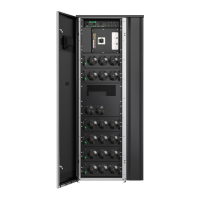
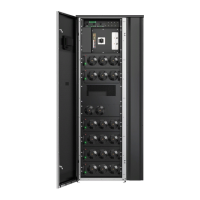
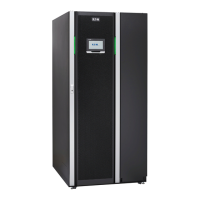
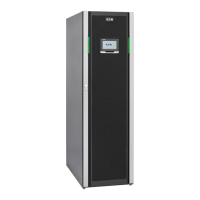
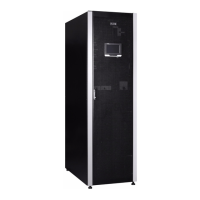
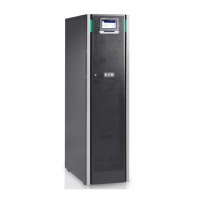
4.5 Unpack and unload the UPS
Before you start to unpack and unload the UPS, check the TipNTell indicator on
the package surface and the DropNTell indicator on the UPS after unpacking
(see step 2 below). If the equipment has been correctly transported in the upright
position, the indicator should be intact. If the indicator arrow has turned all blue,
contact the appropriate parties to report inappropriate transportation.
WARNING
The UPS cabinet is heavy. If the unpacking instructions are not closely
followed, the cabinet may tip over and cause serious injury.
Do not tilt the UPS cabinet more than 10 degrees from the vertical or the
cabinet may tip over.
For transportation purposes, the UPS cabinet is bolted onto a wooden pallet. To
remove the pallet, do this procedure.
1. Before you unload the cabinet from the pallet, use a forklift or other material
handling equipment to move the cabinet to the installation area. Insert the
forks of the forklift between the skids on the bottom of the unit.
© Eaton Corporation plc 2020. All rights reserved. Revision: 001 Document ID: P-164000956 51 (141)
Eaton 93PM G2 UPS 50 – 360 kVA User’s and Installation Guide


 To Next Page
 Loading...