14
7 Common operation of the web screens
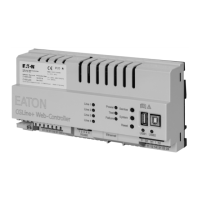
Installation and Operating Instructions CGLine+ Web-Controller 40071860236 (E) February 2019 www.eaton.com
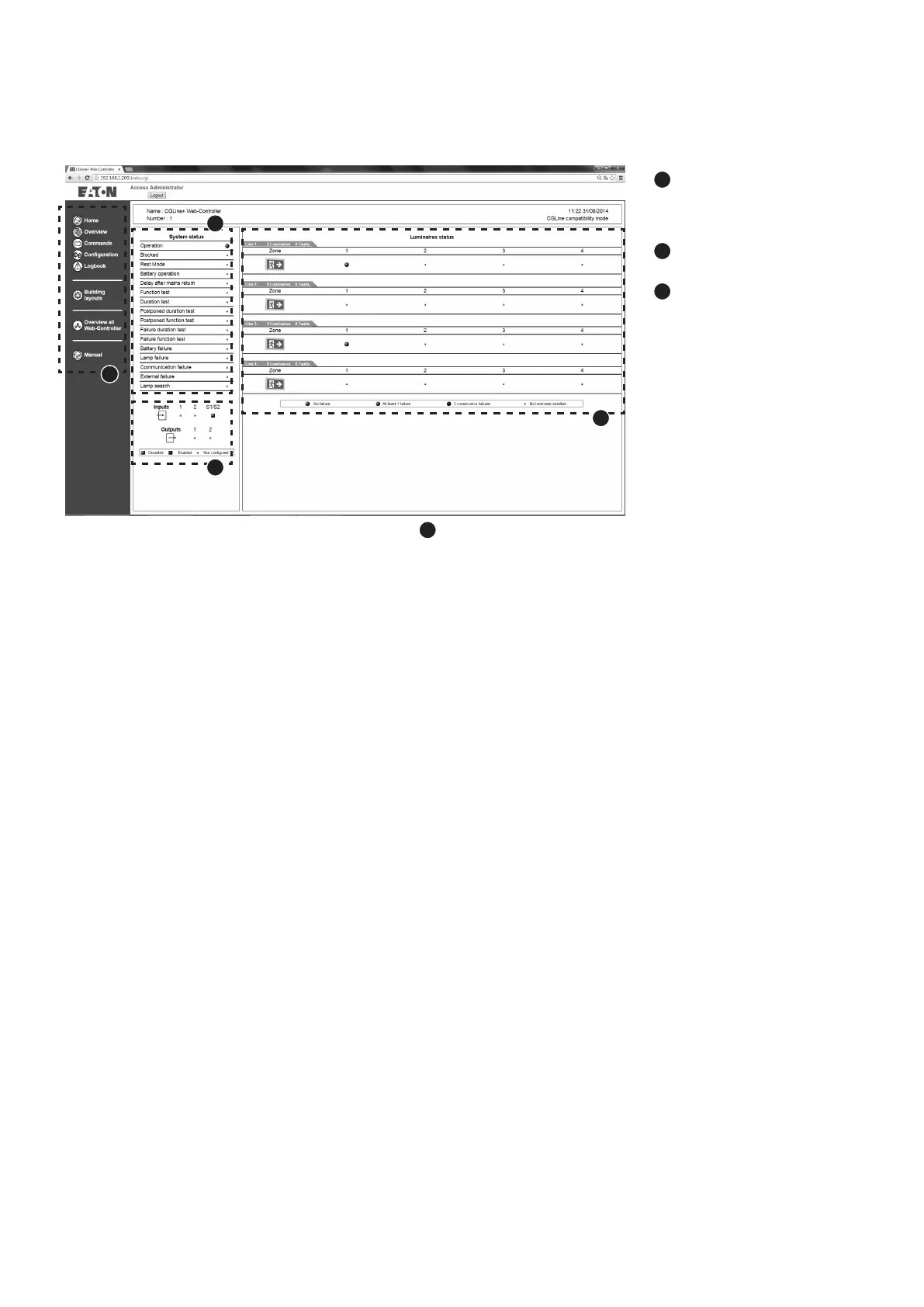
7.2 Start screen after registration
2
: Common status display
of complete system, e.g.
function test = min. 1 lumi-
naire is in function test
3
: Status display of two
inputs and relay outputs
4
: Display of:
n
Lines 1 and 2 with status
display for each zone 4
to 16
n
Lines 1 to 4 with status
display for each zone 2
to 8.
Status display zone:
n
Green = all luminaires in
normal operation
n
Yellow = min. 1 luminaire
faulty
n
Red = min. 3 luminaires
faulty, e.g. lamp failure
After the login the navigation menu appears on the left side
1
:
n
Home: The start screen is accessed via Home at any time following registration
n
Overview: Enables a view of all installed and faulty luminaires (all/according to zone)
n
Commands: This menu enables commands to be sent to the luminaires, e.g. FT start
n
Configuration: General settings for the CGLine+ Web-Controller, e.g. IP settings
n
Logbook: Displays the last 100 events of the inspection book on the SD card
n
Building layouts: Displays luminaires in layouts for each zone
n
Overview all Web-Controllers: Displays further installed CGLine+ Web-Controllers in an over-
view
1
2
3
4





 To Next Page