9
6 First commissioning and modifying network settings
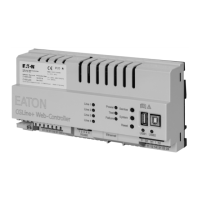
Installation and Operating Instructions CGLine+ Web-Controller 40071860236 (E) February 2019 www.eaton.com
Modifier adapter settings
Right mouse click on “LAN connection”
Properties.
The following screen is displayed:
1
2
The following screen is displayed:
Mark the entry Internet protocol version 4
1
, then continue
with “Properties”
2
.
Usually the network card is on DHCP, i.e.
“Automatically reference IP address”
Modify the entry to “Use the following IP address” and specify
the following values for the IP address and the subnet mask
(displayed automatically):
IP address: 192.168.1.50.
Subnet mask: 255.255.255.0.
Clicking on OK assumes the settings so that the web page of
the CGLine+ Web-Controller can now be opened via any web
browser, e.g. Firefox.




 To Next Page