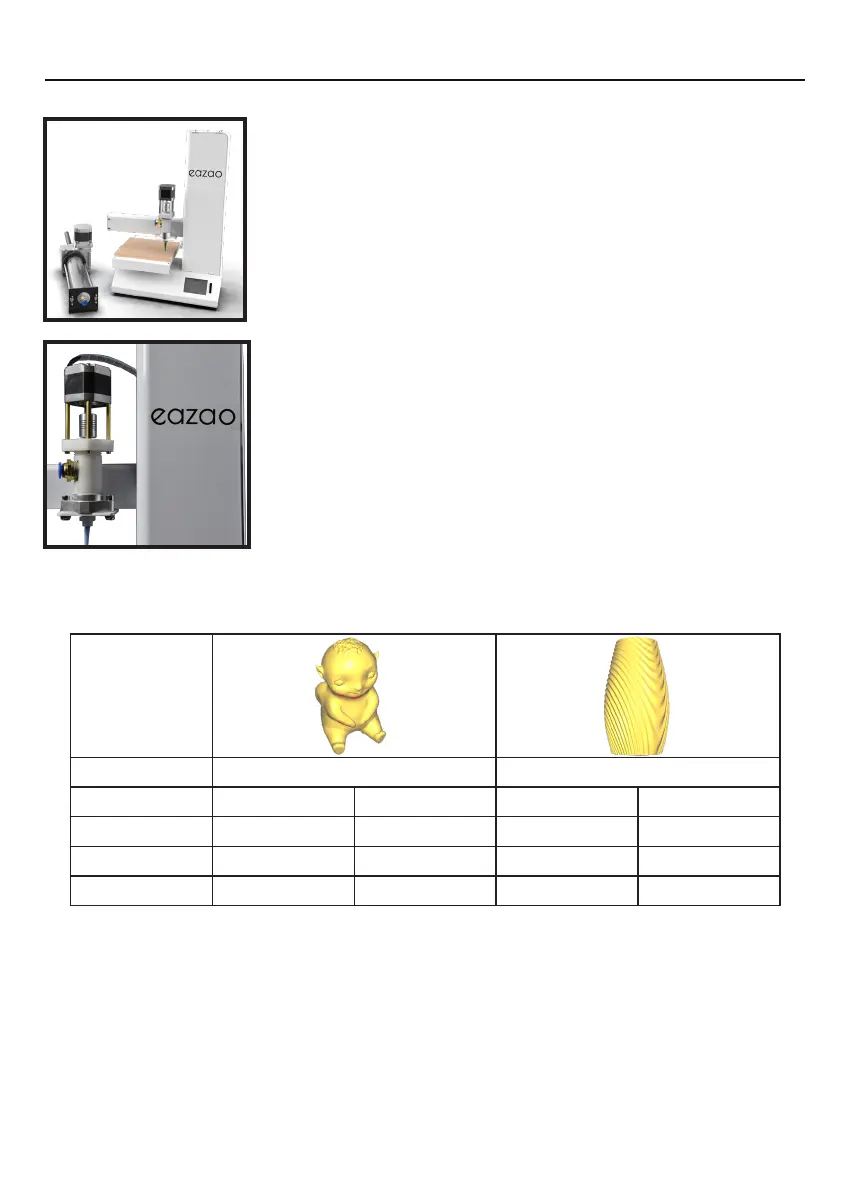
INTRODUCTION
Setup Eazao 3D Printer
3D Printing Process
It's important to check your printer before every print. We've
included some steps on page 14 in section
4.2 Good 3D
Printing Practices
for you to quickly refer to each time.
Now that you've loaded a GCODE file into the printer, you
need to make sure that the clay has been sent to the needle
to complete the pre-extrusion, see Pre-extrusion, then start
printing. While printing, the nozzle will move along the X
and Y axis as each layer is printed. This can take some time,
depending on the size of the 3D model, print speed of the
3D printer and resolution of each layer.
Here is an example of how size, infill, and resolution can affect printing time:
Dimensions: 70 x 84 x 124mm 100 x 100 x 170mm
Infiill: 0% 0% 0% 0%
Resolution: 1mm 0.5mm 1mm 0.5mm
Print Time: 16min 32min 33min 1hr 3min
Filament Used: 130g 130g 253g 253g
3D Printed Object.
Once the printer has completed all of the layers, you will have a 3D Printed Object. The
results are certainly worth it, with 3D models ranging from simple to complex.
2


 To Next Page