PRINTING
4.2 Good 3D Printing Practices.
Please refer to these steps during every print to ensure the best quality.
Before Printing
1.Ensure your GCODE file is correctly setup, filament diameter is set to to 1.75mm and
the temperature settings is 0.
2.Check all cables and connerctors are connected and the printer is on a stable surface.
3.Check that Print Bed is level and approximately distance 0.1mm from the needle.
4.Check that Print Bed is clean and dust free and needle does not have excess material
stuck to it.
During Printing
1.Closely monitor the first layer being printed – Most problems, like poor adhesion and
warping, will occur in the first layer. If problems occur, stop the 3D Printer in the menu
or power off the printer.
2.Do not leave the 3D Printer unattended while in operation
3.Keep hands clear while machine is operating
After Printing
1. Carefully remove the print from the print bed or wait for the print to dry.
2. Place the prints in a dry place for natural drying.
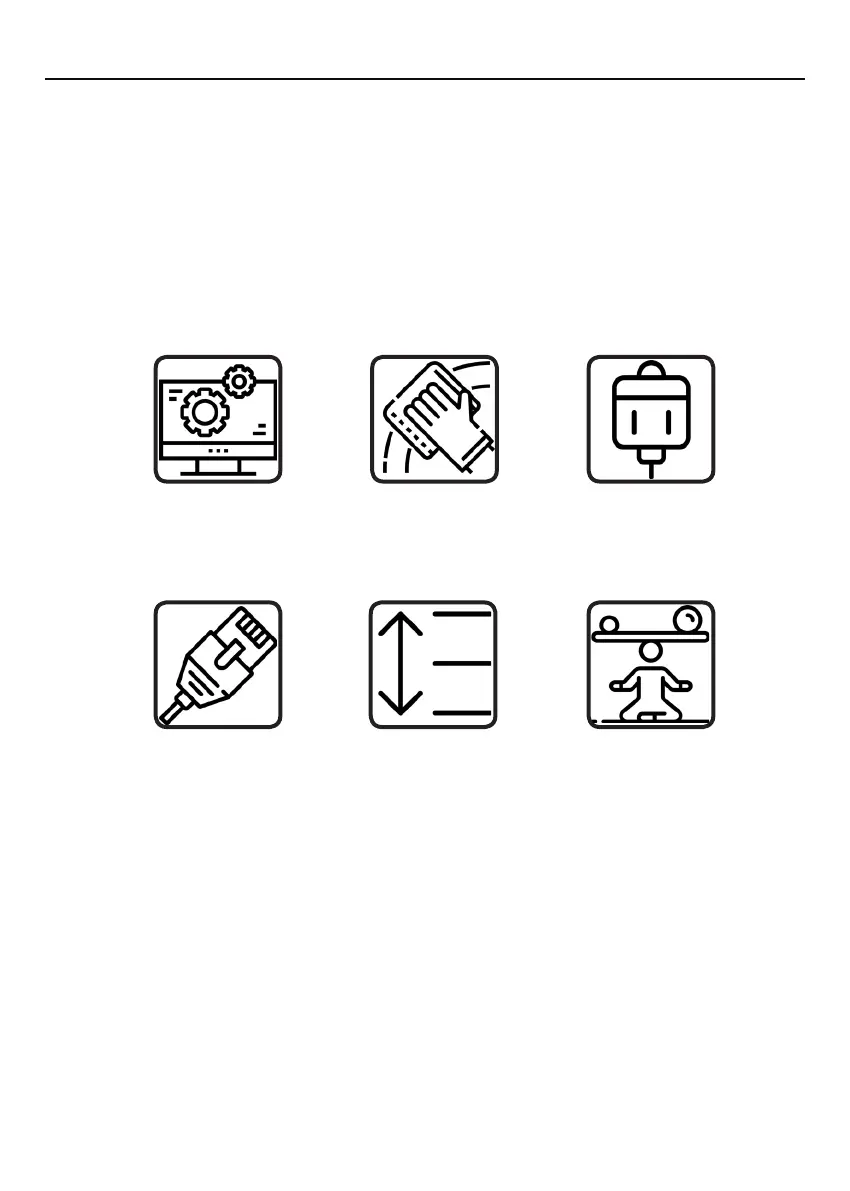
Always check
Gcode file settings
match filement
and printer
Always check
Print Bed is clean
and there is no
residual clay
Always check
whether the clay
has been pre-
extruded
Always check
all cords are
connected
Always check
Exturder distance
is 0.1mm from
Print Bed board
Always check
Print Bed is level
14


 To Next Page