P.91
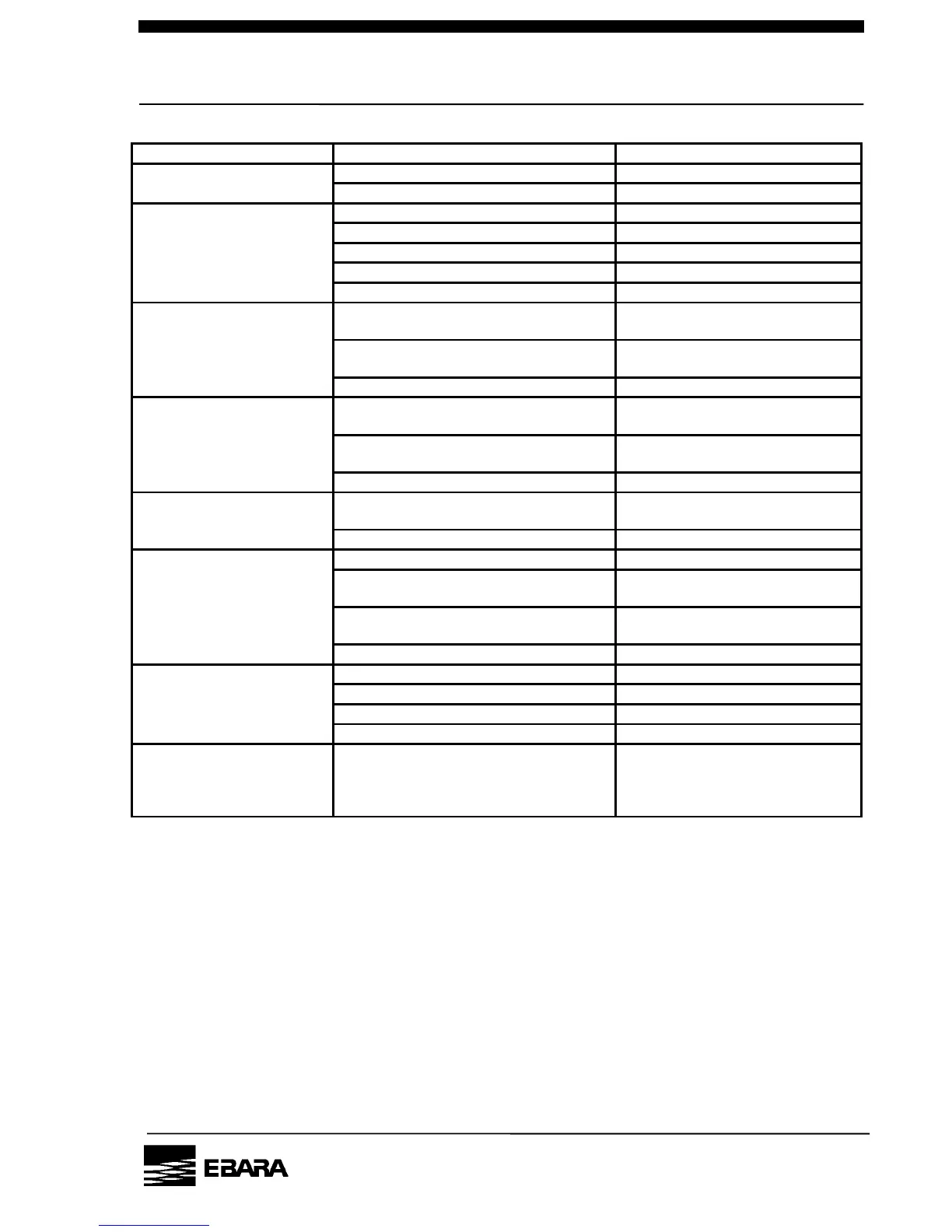
10.1 Troubleshooting (1) Basic trouble
Replace or overhaul pump.
Connector is not connected.
Disconnection of the LCD’s connector
“Remote” or “COM” mode has been
selected.
Set switch to “Local” mode.
Start-up conditions are not satisfied.
(“Startfail” is displayed.)
Satisfy all start-up conditions.
entering external “MP start”
signal input.
“Local” or “COM” mode has been
selected.
Start-up conditions are not satisfied.
(“Startfail” is displayed.)
Satisfy all start-up conditions.
BP start signal is not entered in
“REMOTE” or “COM” mode.
Adjustment feet are not applied.
Some object is making contact with the
outer cover.
The fastening screws of the outer cover
have worked themselves loose.
Tighten the fastening screws.
Parts of the pump are damaged.
Replace or overhaul pump.
Vacuum pressure increase.
Accumulation of by-products in pipes.
N2 pressure setting is high.
Set pressure for correct value.
Accumulation of by-products in pumps.
Replace or overhaul pump.
displayed on LCD after
activating CP or changing
Need “Countermeasure against
electric Noise” to pump.
PM10U
EBARA
CORPORATION



 To Next Page