PARAMETER SETTING
Enter the P Parameter settings by cycling through the General Project Settings to the
end (when display ceases flashing) and simultaneously holding button and
button for 3 seconds. If required to exit at any Parameter, hold button for 2
seconds. Use the button and button to select the value and confirm selection
by pressing the button. The Parameter will be saved and the LCD will enter the next P
Parameter settings.
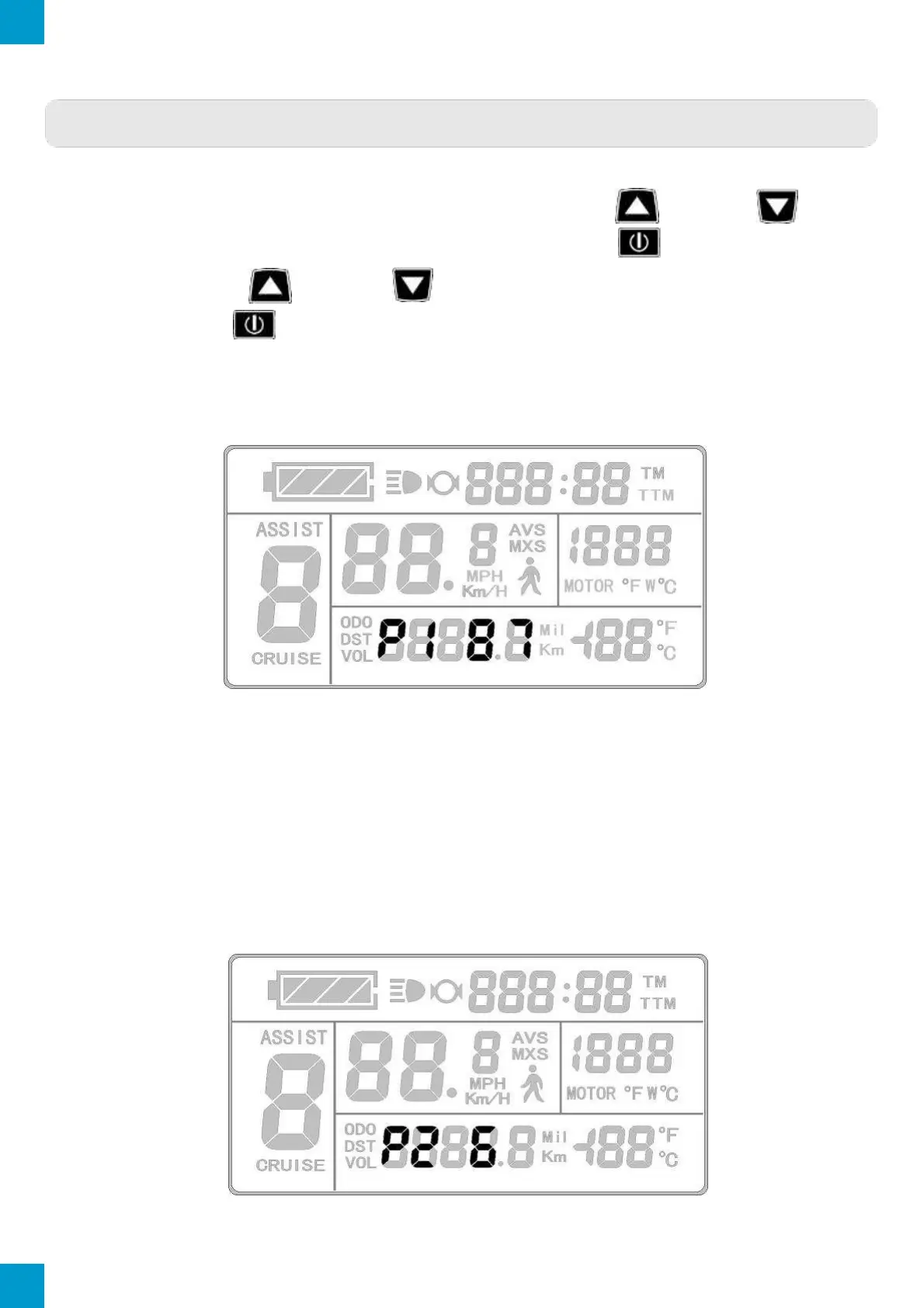
P1 Motor Characteristic Parameter Setting
P1 Display
The P1 settings are a motor characteristic Parameter where:
P1 = Motor Gear Reduction Ratio × Number of Rotor Magnets
Rounding to a full number is necessary. The P1 setting ranges between 1 and 255.
P2 Wheel Speed Pulse Signal Setting
The P2 Parameter setting will display on the LCD after the P1 Parameter setting has been
selected and confirmed. The KT-LCD3 will display as follows:
P2 Display



 To Next Page