C5 settings are for controlling the maximum operating current. The default value is 10 and
value ranges from 0 to 10. Refer to table below for definition of each value.
Maximum Current Value (A)
Maximum Current Value ÷ 2.00
Maximum Current Value ÷ 1.50
Maximum Current Value ÷ 1.33
Maximum Current Value ÷ 1.25
Maximum Current Value ÷ 1.20
Maximum Current Value ÷ 1.15
Maximum Current Value ÷ 1.10
C6 Backlight Brightness Setting
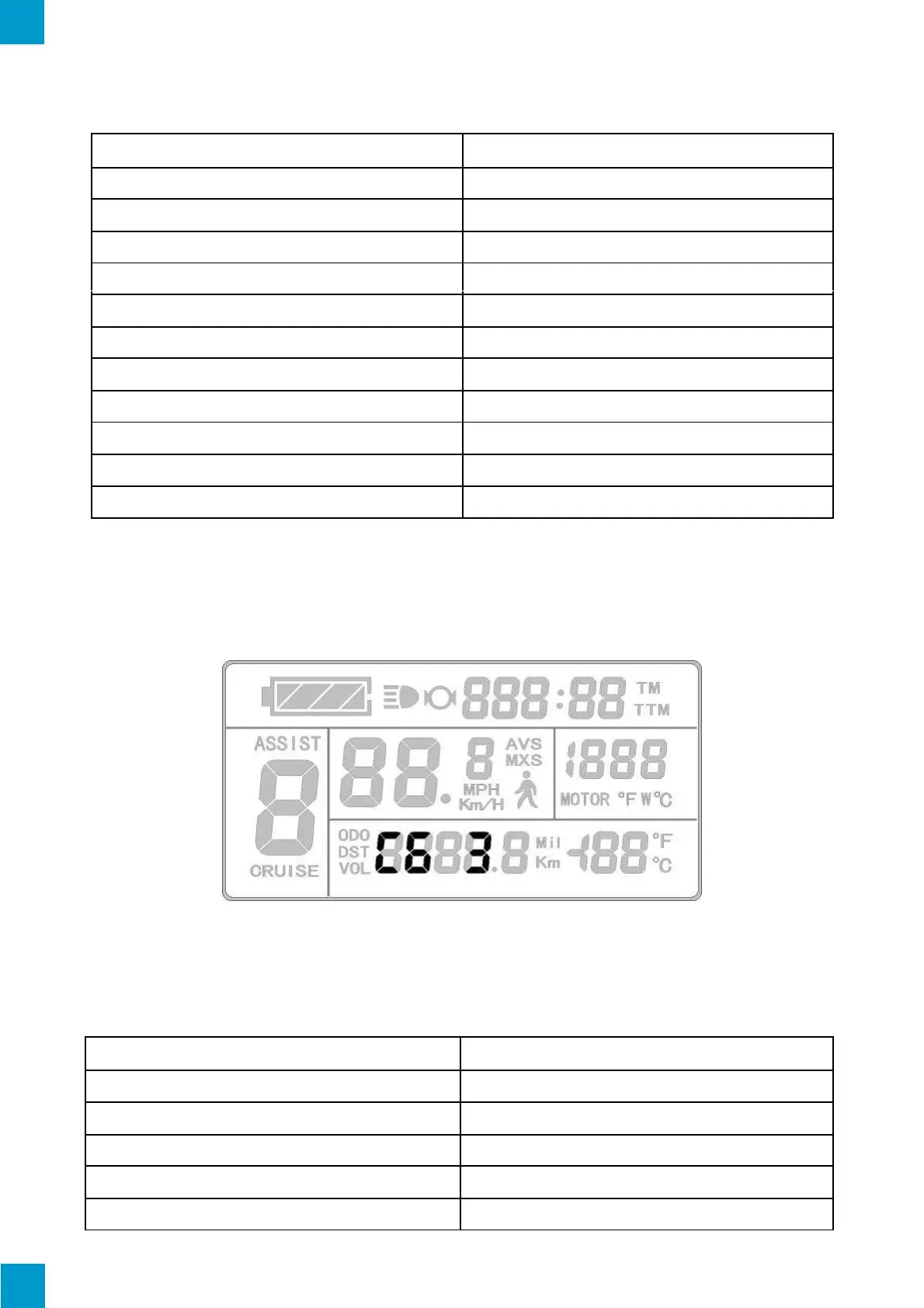
The C6 Parameter setting will display on the LCD after C5 settings. The KT-LCD3 will
display as follows:
C6 Display
C6 settings are for the LCD's backlight brightness. The default value is 3 and the setting
range is 1-5.



 To Next Page