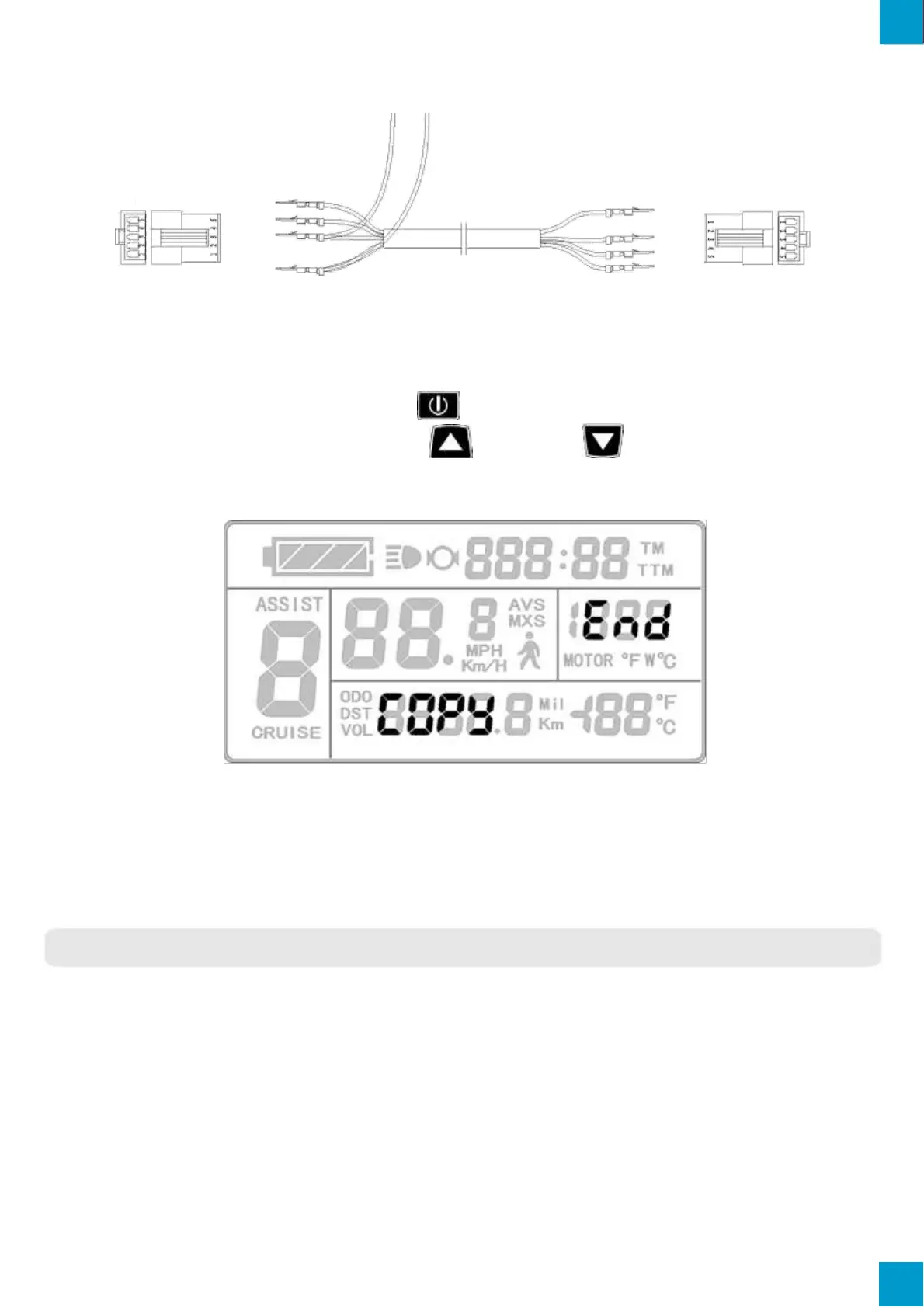
Special Wiring Cable
Correctly configure and wire the LCDs and provide a power supply of 48V, 36V or
24V (VB + positive power supply). Hold button of the source LCD until start up.
Within 5 seconds, simultaneously hold button and button for 2 seconds. If
successfully completed, the LCD will copy the Parameters and display the following
interface.
Successful Copy Display
Please Note: Both C9 start up password and C11 LCD attributes cannot be copied.
And LCD3 LCD can only copy to LCD of same model.
VERSION INFORMATION
EBO KT-LCD3 V1.0
Released on October 17, 2017



 To Next Page