C10 Restore Default Setting
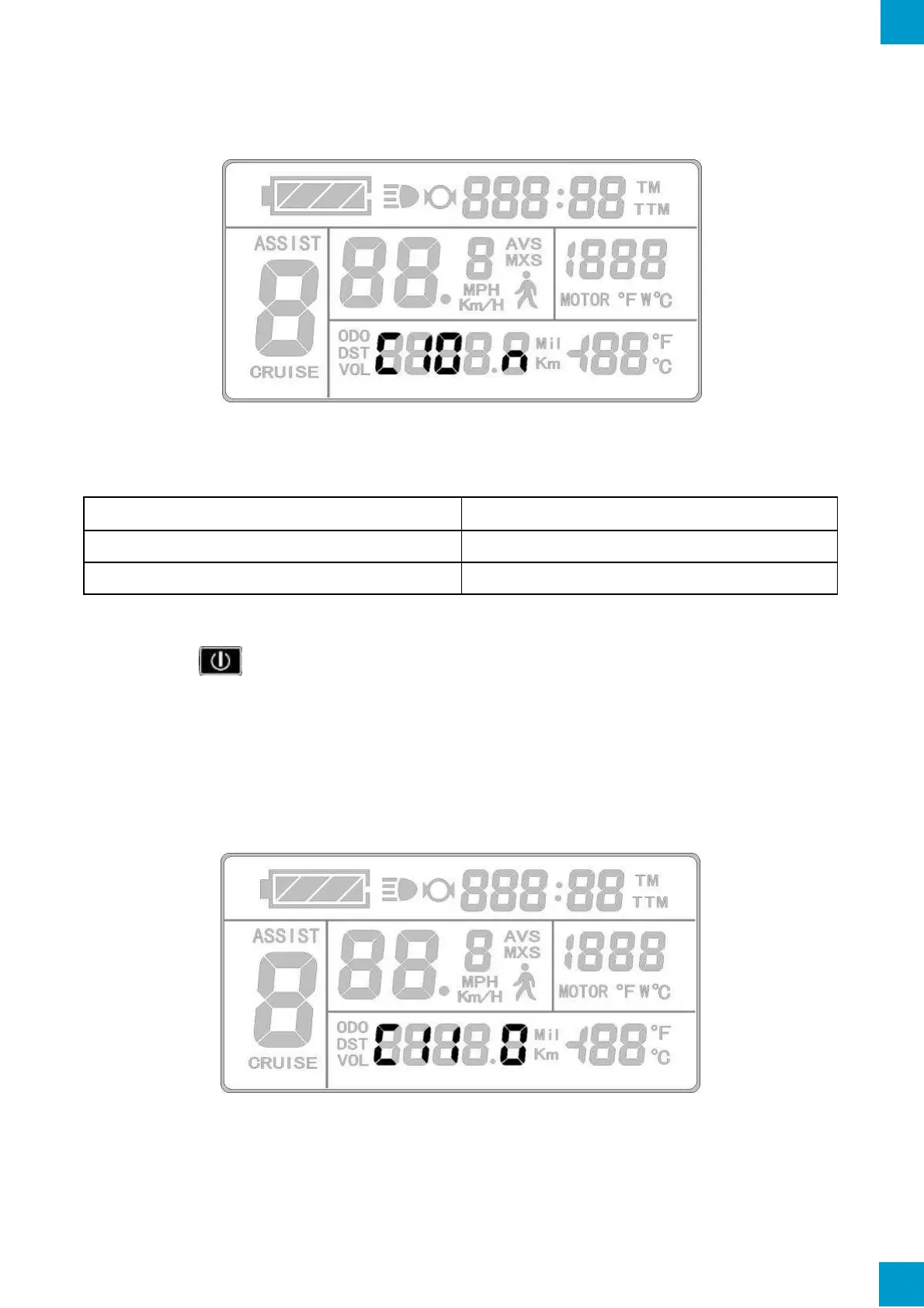
The C10 Parameter setting will display on the LCD after C9 settings. The KT-LCD3 will
display as follows:
C10 Display
C10 restores the KT-LCD3 LCD to default settings. Refer to table below for definitions.
To restore the LCD to default settings, select the C10 value "y" to enable the function
and hold the button for 2 seconds. All Parameters will restore to default values and
the LCD will return to display 1.
C11 LCD System Version Setting
The C11 Parameter setting will display on the LCD after C10 settings. The KT-LCD3 will
display as follows:
C11 Display
C11 is LCD attribute settings. The setting range is 0-2. Refer to following table for
definition of values.



 To Next Page