EBS-230 Printer User's Manual
42
___________________________________________________
20080512#1.0
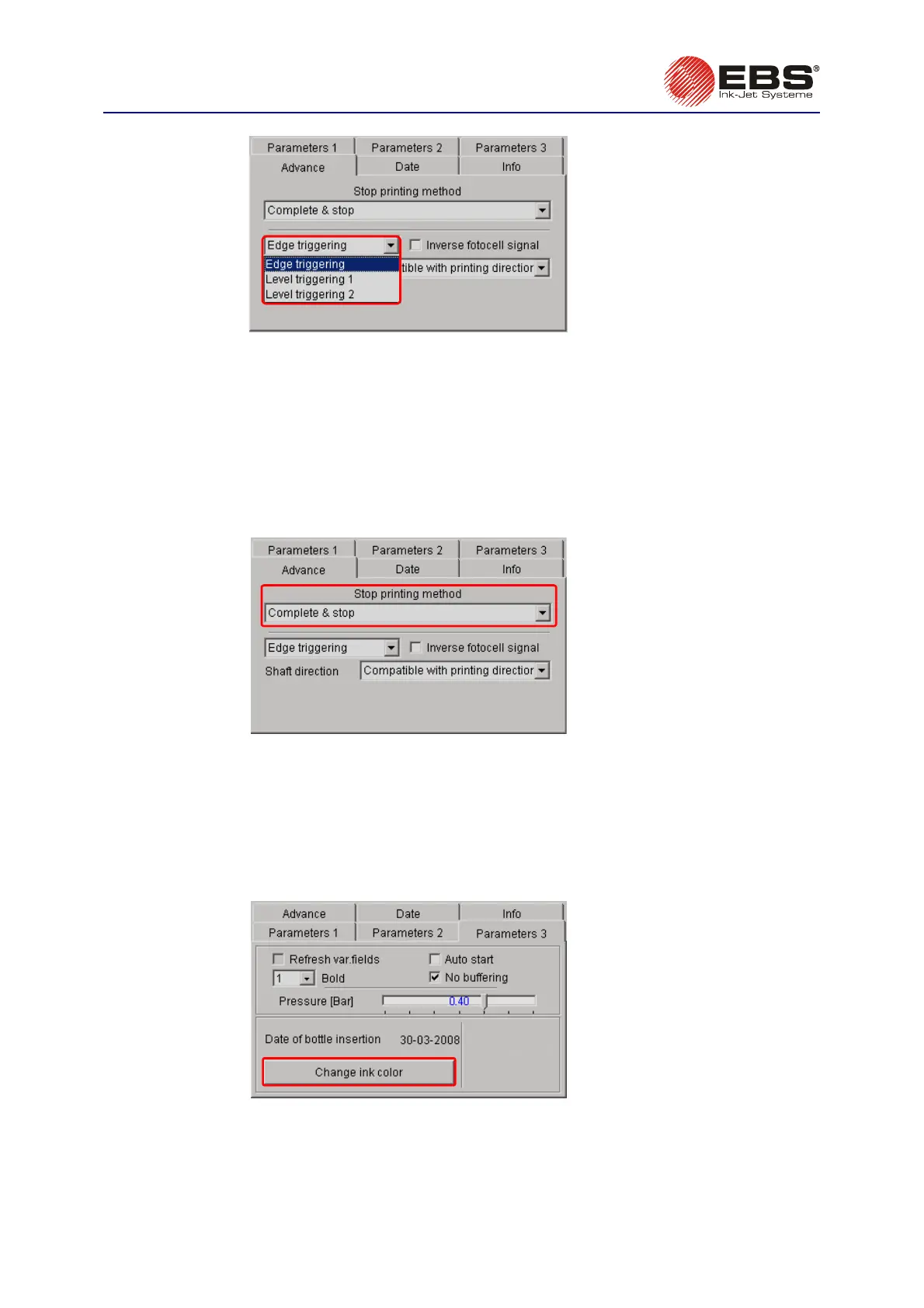
Fig. 3.3.10.8.
Stopping Printing
The Stop printing method parameter defines how the printer should terminate its printing job after
the PRINT ON/OFF button has been pressed. Two ways are available:
•
Complete & stop – the printer brings the printing job in progress to completion (it finishes printing
of the entire text, while the PRINT lamp flashes), and then stops,
•
Immediate stop – the printer stops immediately after the PRINT ON/OFF button has been
pressed (the text is not printed to the end).
The parameter is available in the Advance tab sheet after the Adv. options box has been ticked.
Fig. 3.3.10.9.
Changing Ink Colour
The Change ink color option protects the printer against the effects that may occur if a wrong colour
ink bottle is connected to the system. The system does not accept the bottle if the ink colour differs
from the previous one and the option is not selected. Press the Change-ink-colour button before
placing a bottle of ink that differs in colour from the previous one into the ink system carrier. The
parameter is available in the Parameters 3 tab sheet after the Adv. options box has been ticked.
Fig. 3.3.10.10.



 To Next Page