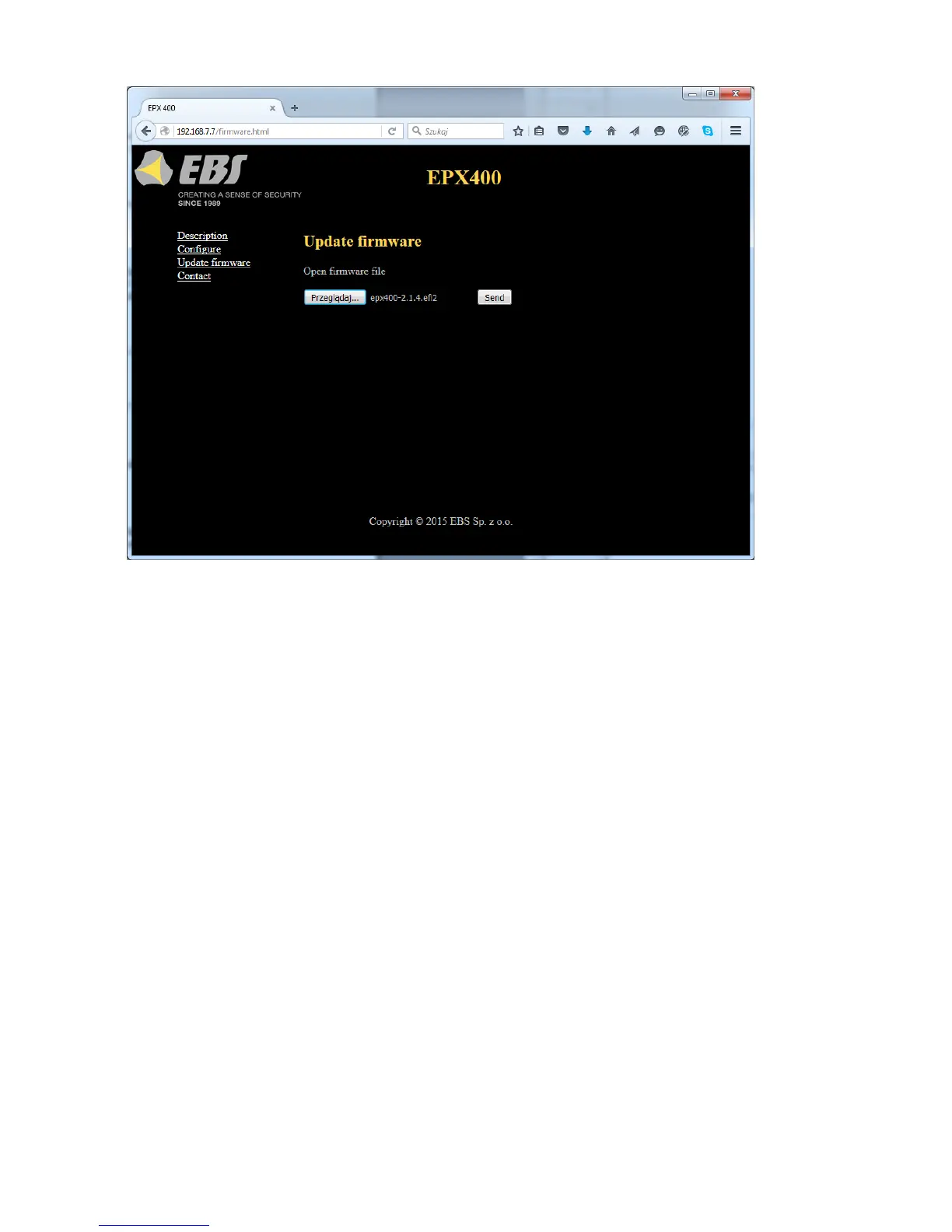
To flash new firmware, follow these steps:
a) Open the file with the new firmware (click [Browse] to locate the file,
which should have the extension “.efi2”, e.g. epx400-2.1.7.efi2).
b) Click [Send]. The firmware update process will start.
c) After the process is complete, you will see the update status
success: “The firmware has been updated successfully.”
error: “This operation has been cancelled.”
To activate the new firmware, power on the device again or restart it.
Note: this procedure should be performed with the utmost care, as any
error, especially due to loss of power supply during the update, can result in
improper operation of the device.
6.5. CONTACT
“Contact” item – displays the manufacturer's contact details.



 To Next Page