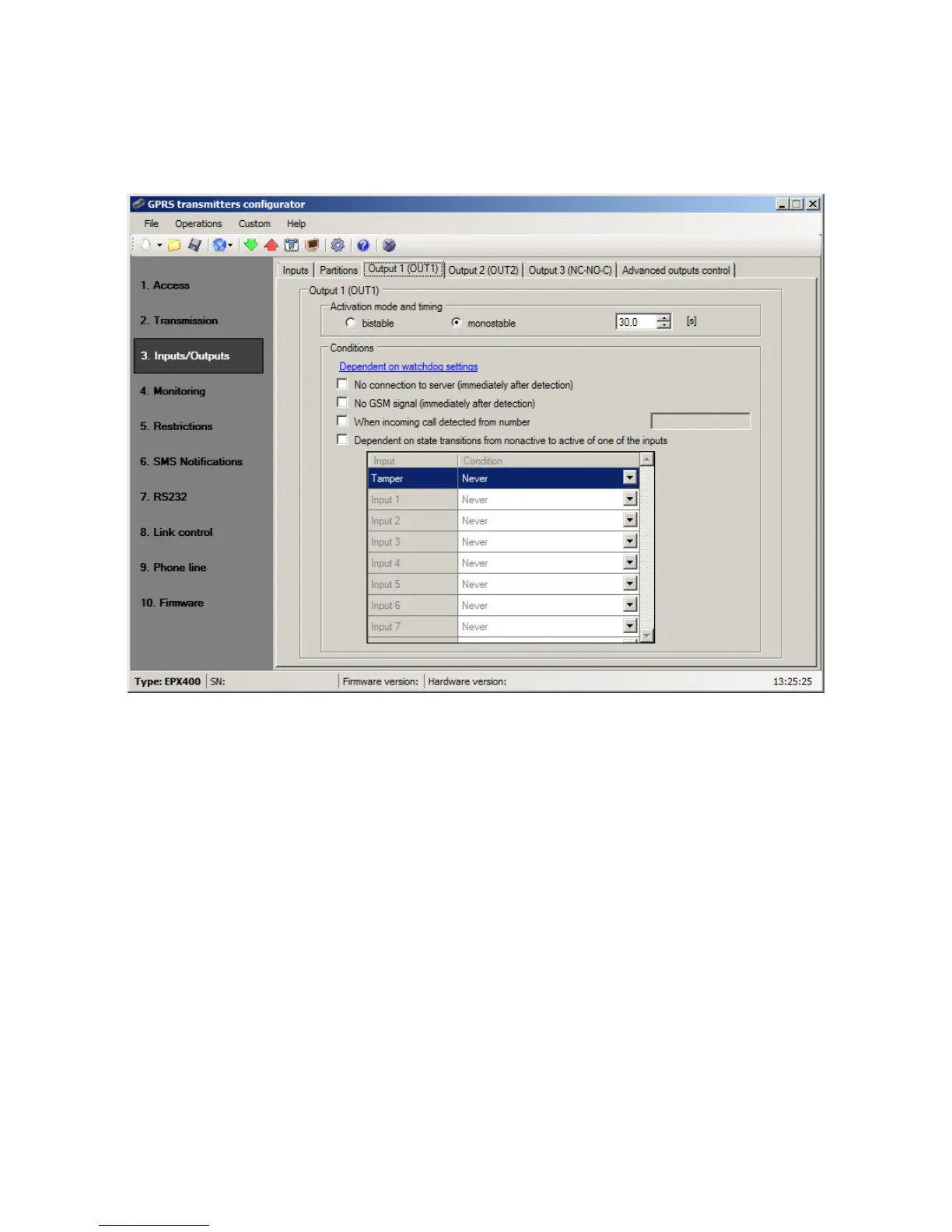
8.3.3. Outputs
Tabs "Output 1 (OUT1)", "Output 2 (OUT2)" and "Output 3 (NC-NO-C)" define the
outputs parameters. The options for the outputs are common and are described in a
single section.
8.3.3.1. Activation mode and timing
Thanks to this option you may choose output operation mode. There are two
operation modes available:
o bistable – connection follows for indefinite time – up to the moment of
disconnection of power for module or remote command which switches output
off,
o monostable – connection follows for time defined by user – every 100ms.
8.3.3.2. Conditions
Defines conditions for activating both of outputs. User can set following conditions:
No connection to server (immediately after detection);
No GSM signal (immediately after detection);
Detection of incoming call from defined telephone number;
After selecting this option can be generated CLIP event, if appropriate position
in the “Monitoring” group is set (see item 8.4.6. Event: CLIP). You can enter
full phone number or only a part of number. The device will detect all
numbers with specified sequence. E.g. if entered number is 1234, the output
will activate after incoming call from number 123456789 or 600123456.
Note: The phone number must be entered without country code (e.g. without
prefix 0048 and +48).



 To Next Page