7.3.10. Operation -> Device monitor
Function provides real-time information on device state. See chapter 8.11. Device
monitor.
7.3.11. Operation -> System events history
Function provides information about last events stored in EPX400 device memory.
See chapter 8.12. Events history.
7.3.12. Operation -> Restore default settings
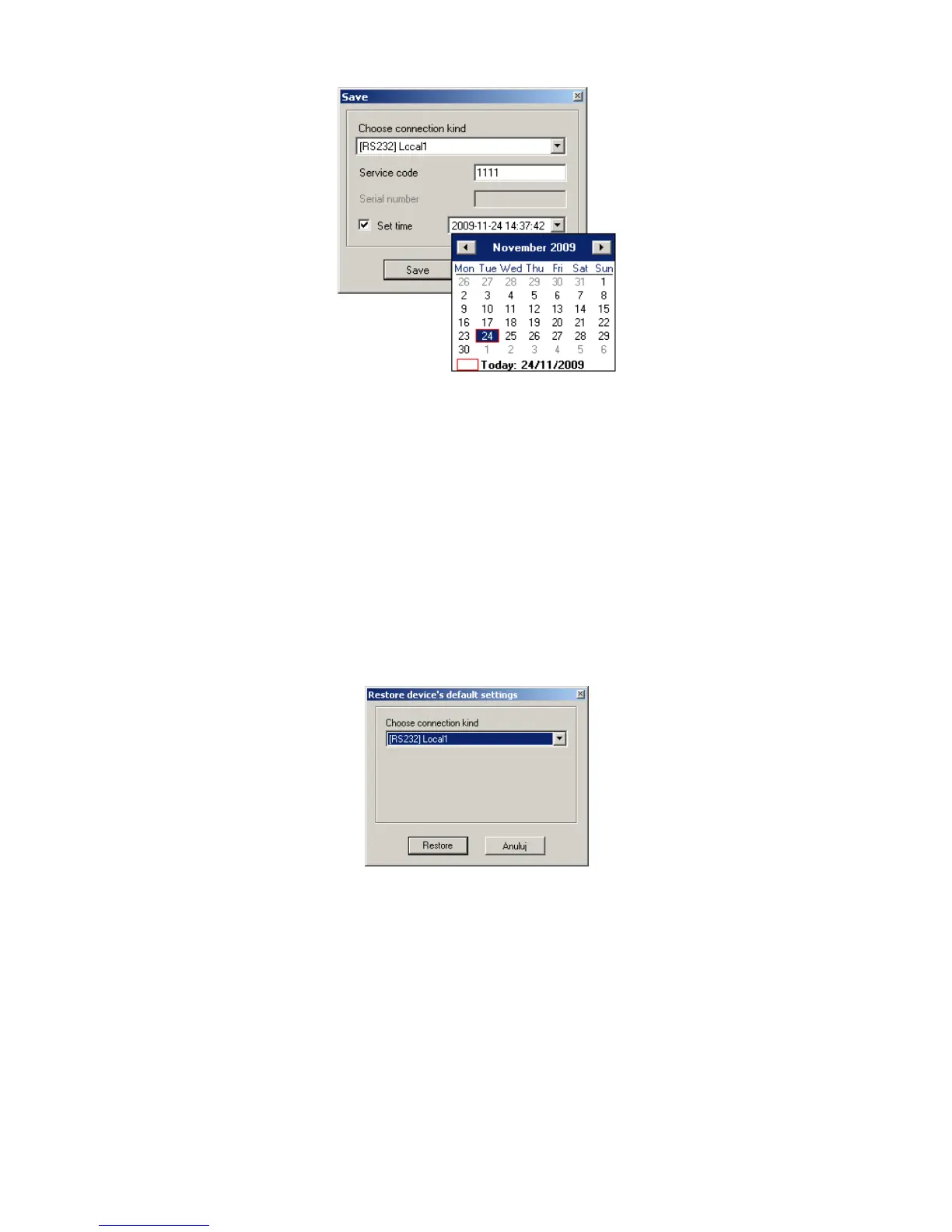
If operation “Read” finishes with error message (e.g. if access code is unknown) it is
possible to come back to default settings by selecting “Restore default settings”. e
“Do you want to overwrite current configuration with default values?”. After
confirming the following window shall appear:
This operation is possible only with local connection. After operation completing
device parameters shall come back to default settings.
7.3.13. Help -> About program
Select this information to view additional information about program.



 To Next Page