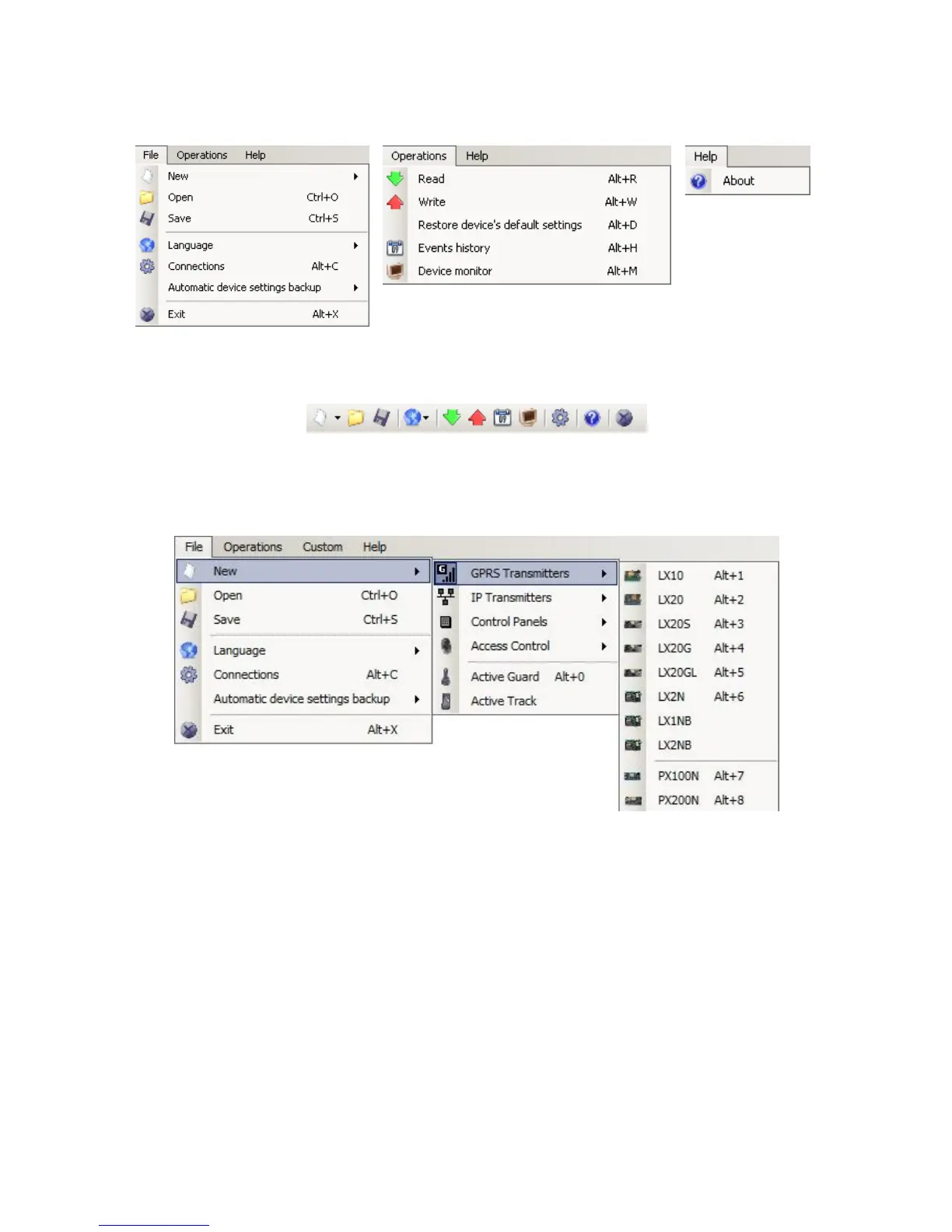
Main menu is available as icons on fast access bar:
7.3.1. File -> New
Opens new set of parameters. Editing of configuration parameters is possible.
Select type of device – EPX400.
7.3.2. File -> Open
If file contains saved settings, they may be used to program next device. Firstly a
folder where file has been saved shall be chosen and then name of file shall be
provided. Obtained data collection may be modified by the user. Any amendments
are effective if send to device.
7.3.3. File -> Save
During programming many devices in different configurations, it is not necessary to
have in mind each one as it may be saved on hard disc under any name and it may
be loaded later. This function save on disc any information from configuration wizard
window. After activation of function a dialog window appears with request to provide
file name. Default data is saved with .cmi extension.



 To Next Page