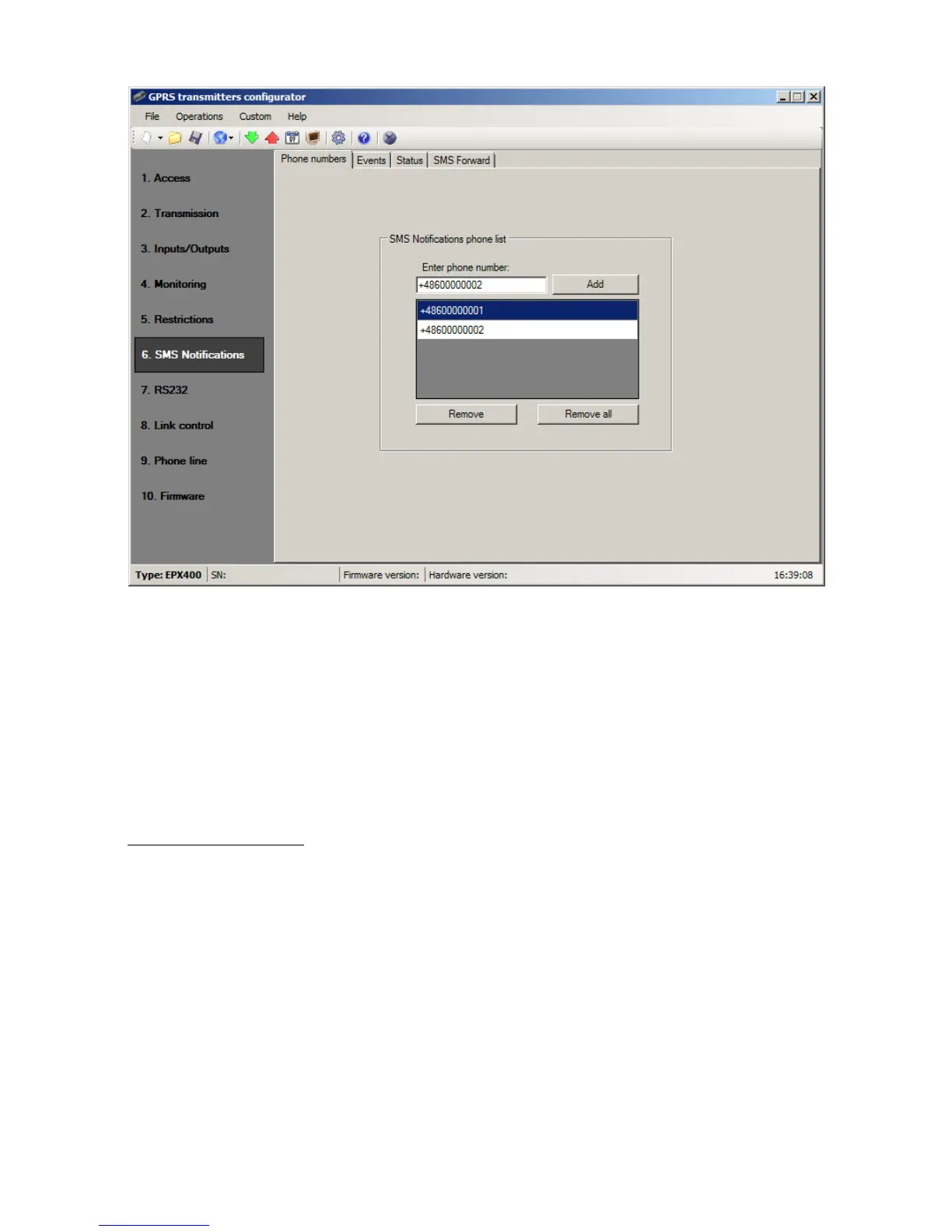
Position cursor on line with phone number and click on “Remove” button to remove
number from table.
Click on “Remove all” button to remove all numbers from table.
8.6.2. Events
This tab is to configure and edit SMS messages to be sent to listed phone numbers.
You may define SMS text message with reference to any event from the list (Input 1:
Activation, Restore; Input 2: Activation, Restore; etc.) that will be sent if this event
follows. To define use edition field on the right of events list.
Follow the procedure:
a) Select event to edit from the list
b) Mark square next to phone number that SMS is to sent to
c) Enter message text of SMS when field is active
d) If the “Copy the contents from first message” will be marked then selection
and text content will be automatically copied from the first message, otherwise
you may copy one text and paste to other field manually



 To Next Page