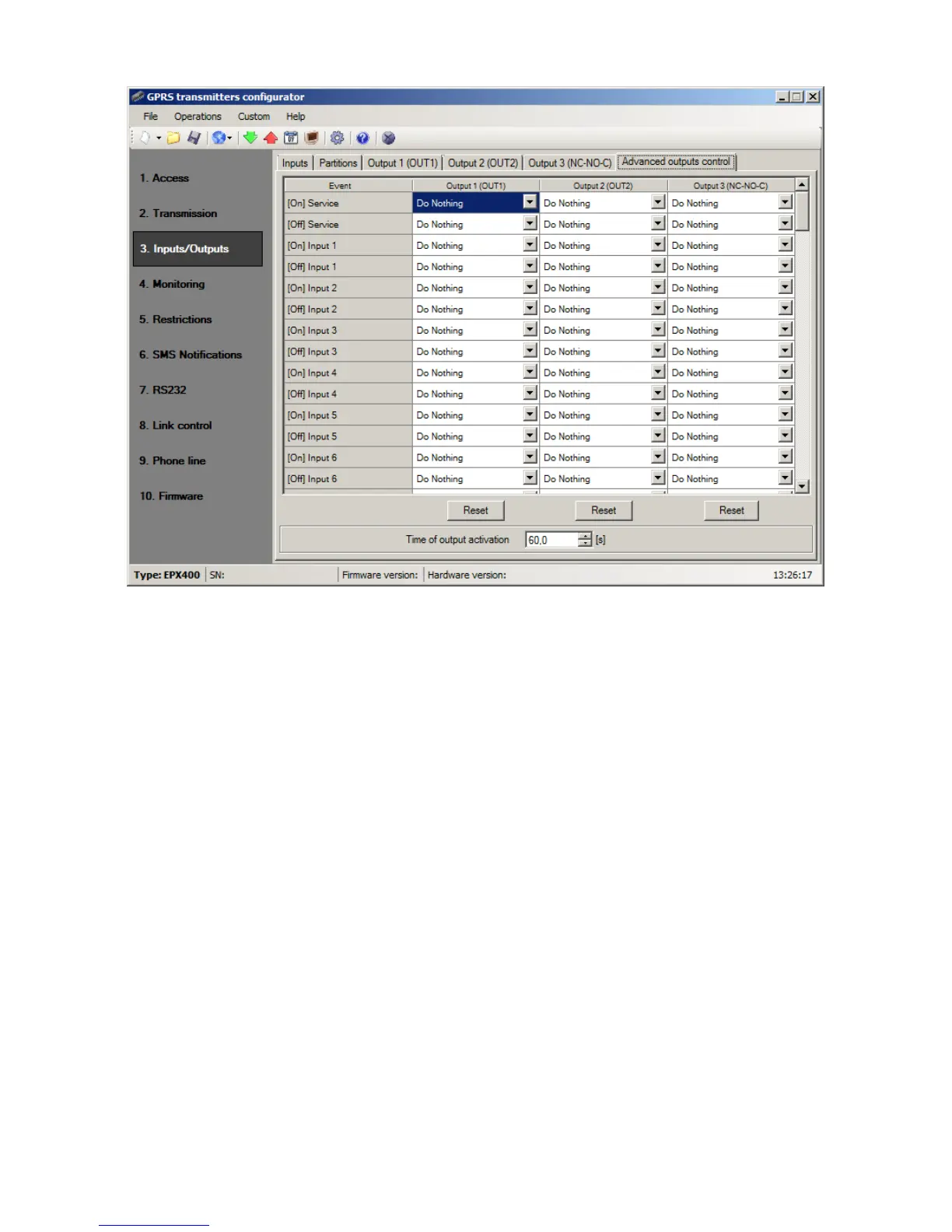
8.3.4.1. Output 1 / Output 2 / Output 3
These columns define which events are to influence the status of a specific output.
Possible choices are:
o Do Nothing – output status will be not changed (default action)
o Turn on output – output will be permanently turned on
o Turn on output temporarily – output will be turned on for an amount of time
specified by parameter 8.3.4.2. Time of output activation
o Turn off output – output will be turned off
Press the [Reset] button to assign the action “Do Nothing” for each event.
The output state does not change if the current state of the output coincides with the
result of the action.
8.3.4.2. Time of output activation
Parameter defining amount of time for which the output is to be turned on for the
functions of advanced outputs control.
8.3.4.3. Event: CLIP
Incoming call from the number defined in option: Inputs/Outputs –> Output 1 /
Output 2 / Output 3. The phone number is entered at option: “When incoming call
detected from number” (see item 8.3.3.2.).



 To Next Page