31
time is depend by users). If needing to pause or stop the print, just press 【START/STOP】
button.
4)During the recording, press 【Lead>】 and 【Lead<】button to switch to another
lead’s recording.
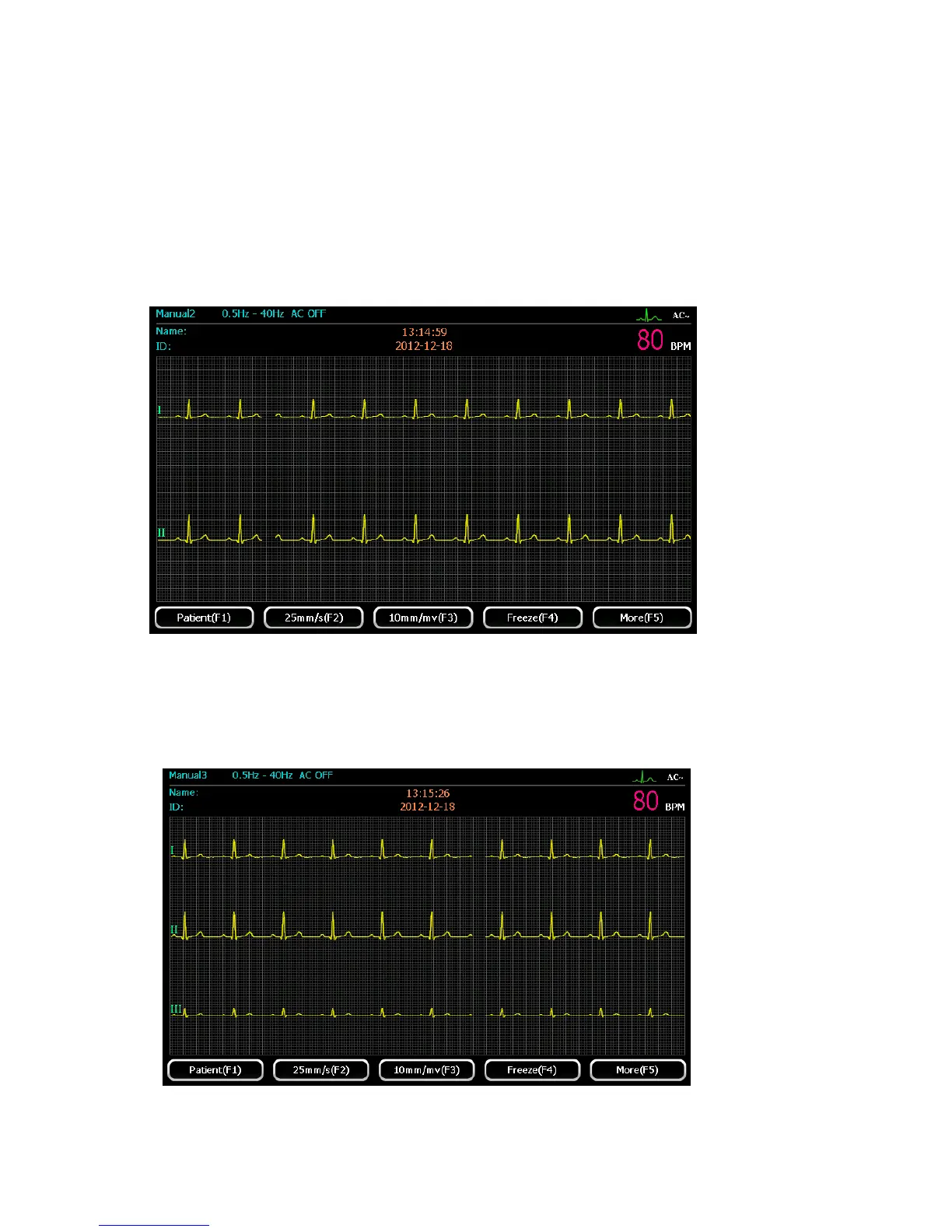
Manual 2
Select “Manual 2” mode by pressing 【manual】button. Users can choose any one lead in12
leads and rhythm lead to display. The display interface is shown as below:
For detailed operation, please refer to “Manual 1” mode.
Manual 3
Select “Manual 3” mode by pressing 【manual】button. Users can choose any three leads in 12
leads to display. The display screen is shown as the following figure.
For detailed operation, please refer to “Manual 1” mode.



 To Next Page