32
Manual 6( For EM-601 only)
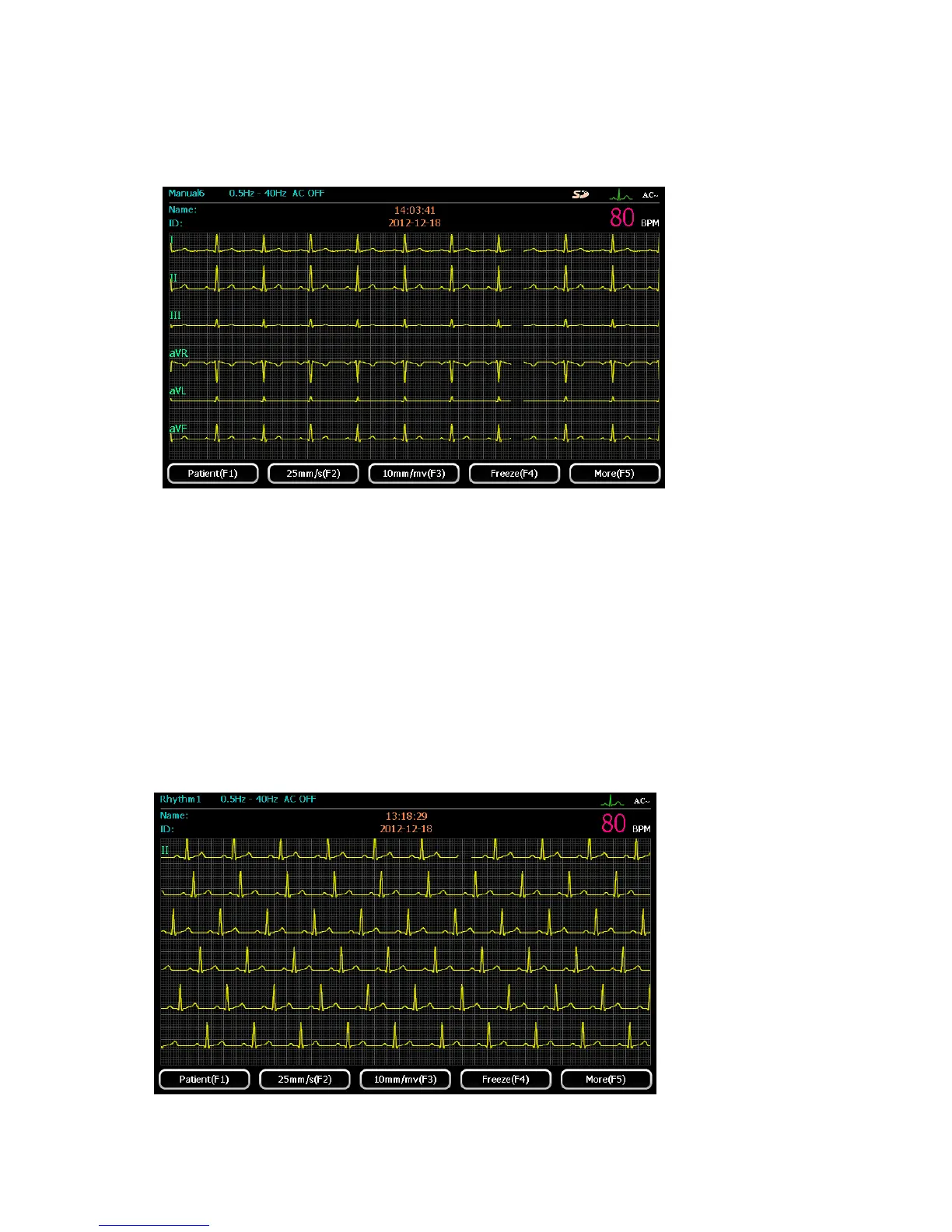
Select “Manual 6” working mode by pressing 【manual】button Users can choose any six leads
to display. The display screen is shown as the following figure
For detailed operation, please refer to “Manual 1” mode
5.3.2 Rhythm Mode
This mode is rhythm lead record mode. Under the mode, the ECG can acquire users defined
rhythm. Press 【Start/Stop】for recording, and the record length is 0~60 seconds, the ECG
rhythm lead waveform with rhythm analysis will printed out.
To select rhythm, please refer to chapter 5.4.
Select “rhythm” mode by pressing 【RYH】button. The ECG will connect data about the defined
rhythm lead. The display screen is shown as the following figure:



 To Next Page