EC-PM-80320 User's Manual
- 28 -
The setting of Security Mode and Encrypt Type
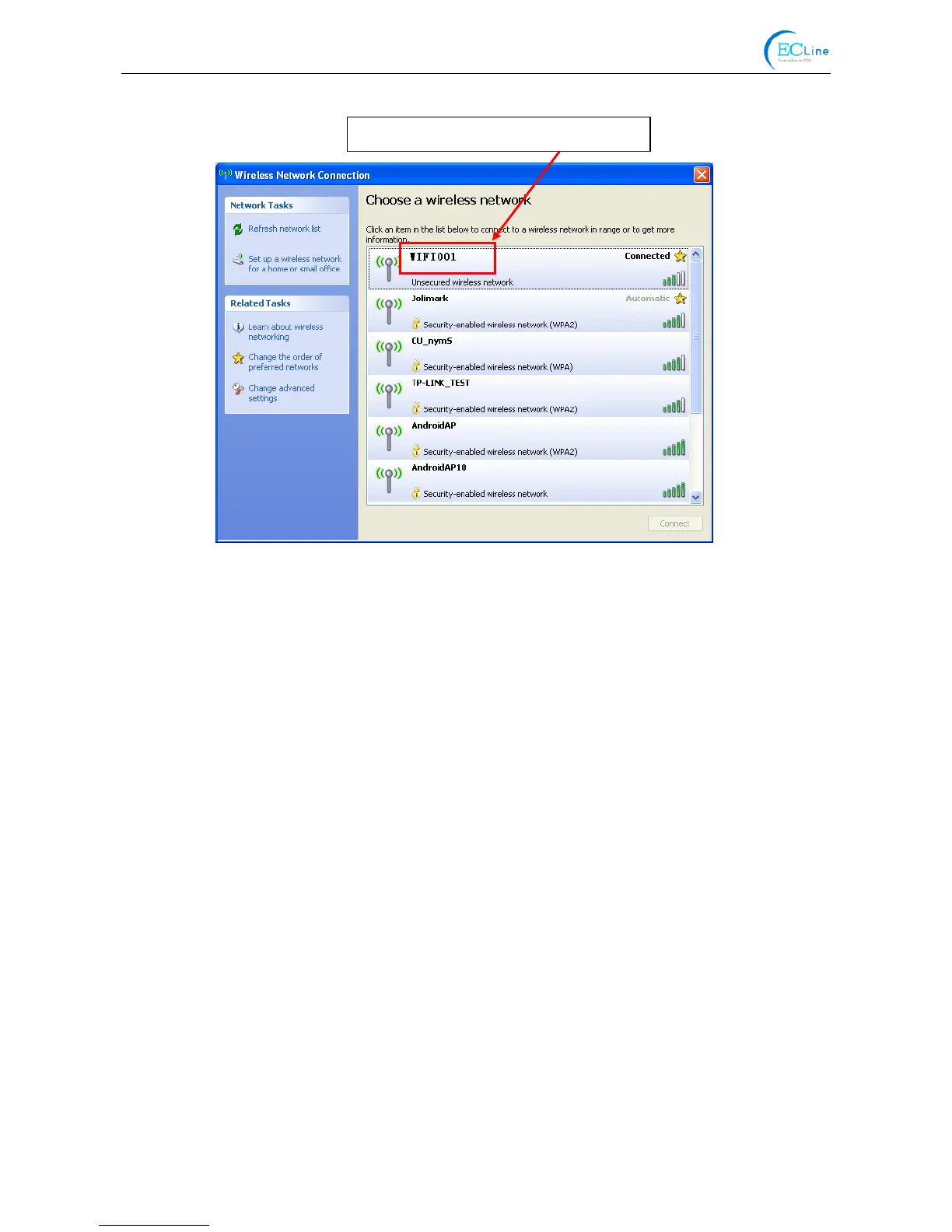
Refer to “Connecting the Printer”, connect the wireless equipment with the printer and select
the parameters acquired by the above steps in the “Security Mode” and “Encrypt Type” of the
“AP Client”.
Pass Phrase: The password of the hotspot
Address Assignment: It includes “DHCP (Auto config)” and “Static (Assigned IP)”. You can select the
corresponding assignment way according to your need. When selecting
“DHCP (Auto config)”, the IP Address and Subnet Mask can be acquired
automatically (Click “Apply” and the system will assign automatically), and
there is no need to set manually (as shown in Figure 15).
Figure 14
The current Wi-Fi hotspot of this example.



 To Next Page