EC-PM-80320 User's Manual
- 29 -
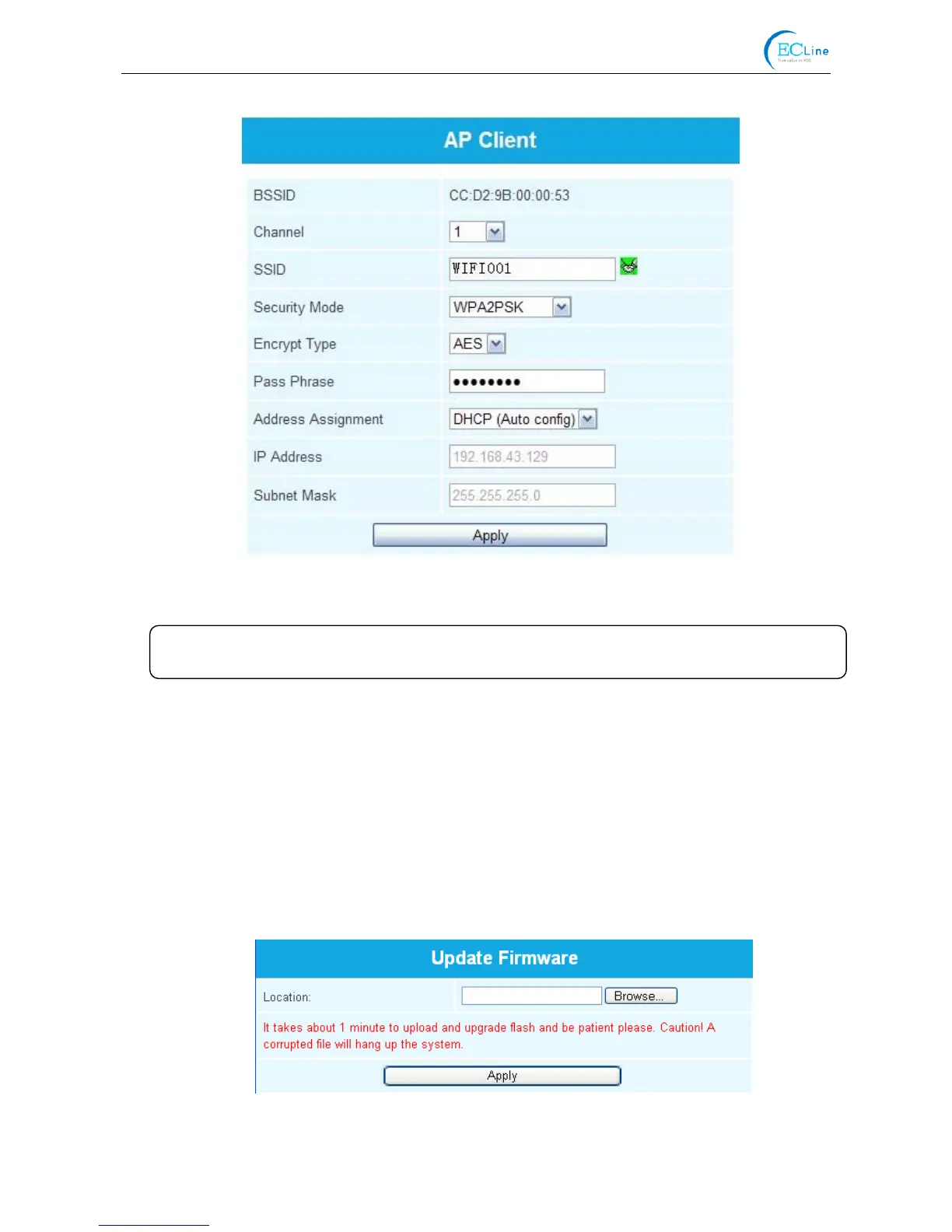
IP Address: Set the IP address of the printer wireless card and the IP address should be in the same
segment with the wireless networks you are using.
Subnet mask: Set the subnet mask of the printer wireless card and the subnet mask should be the
same with that of the wireless networks you are using.
Click “Apply” after all the parameters are set, then the countdown interface appears. When the time
is over, disconnect the computer with the printer and connect the computer with the outer hotspot.
Update Firmware: Upgrade the wireless module of the printer (as shown in Figure 16), and you can
neglect it if there is no need to upgrade.
Figure 15
Figure 16
Note: The green handshaking mark on the right side of the SSID column denotes the
connection between the printer and the outer Wi-Fi hotspot is successful.



 To Next Page