EC-PM-80320 User's Manual
- 39 -
to find “Devices and printers”, at last, open the window of “Devices and printers”.
3. Right click “TP850” in the window of “Printers”, and then select “Properties”.
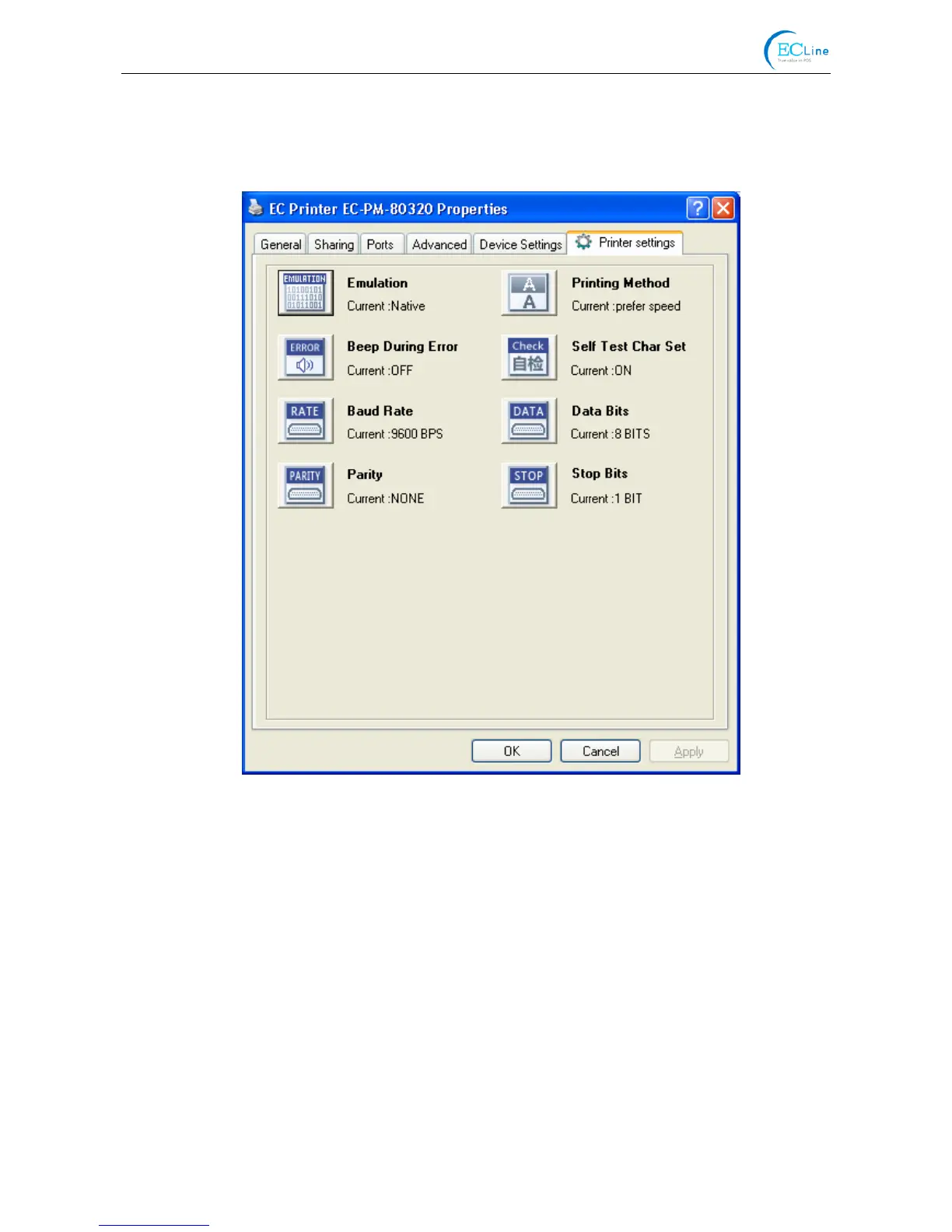
4. Click “Printer settings” in the “Properties” page and open the window of “Printer settings”.
5. In the window of “Parameter settings”, each item on the left of the menu setup item is the
parameter icon. The items on the upper right are the parameters and the items on the bottom
right are the current settings. The computer will load the printer’s current setting automatically
when you open the parameter setting window. The current setting will be blank if the printer is
offline or the printer port is set incorrectly. Then you need to set the printer to online mode or set
the printer port correctly.



 To Next Page