How
to
use the
optional
remote
control
No. Button Name/Working
•
1
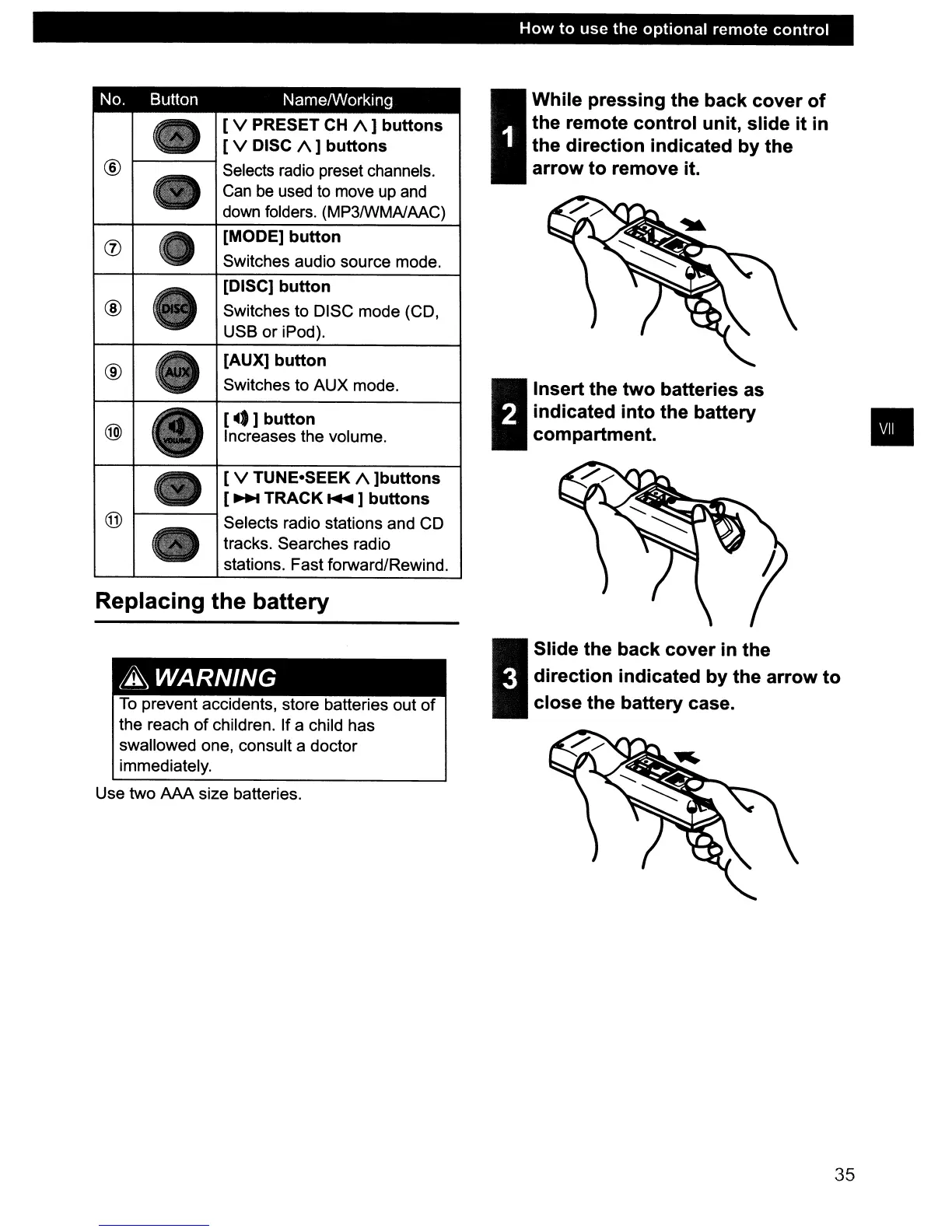
While
pressing
the
back
cover
of
the
remote
control
unit,
slide
it
in
the
direction
indicated
by
the
arrow
to
remove it.
I
Insert
the
two
batteries as
indicated
into
the
battery
compartment.
[ V PRESET
CH
/\]
buttons
[ V DISC
/\]
buttons
®
•
Selects radio preset channels.
Can
be
used
to
move
up
and
down
folders. (MP3/WMAlAAC)
(j)
[MODE]
button
Switches audio source mode.
[DISC]
button
®
Switches to DISC mode (CD,
USB or iPod).
®
[AUX]
button
Switches to AUX mode.
@)
[~.]
button
Increases the volume.
•
[ V TUNE-SEEK
/\
]buttons
[
~
TRACK
....
]
buttons
@
Selects radio stations and CD
tracks. Searches radio
stations. Fast forward/Rewind.
Replacing the battery
~WARNING
To
prevent accidents, store batteries out
of
the reach of children. If a child has
swallowed one, consult a doctor
immediately.
Use two
AM
size batteries.
3
Slide
the
back
cover
in
the
direction
indicated
by
the
arrow
to
close
the
battery case.
35



 To Next Page