If
you
have a
question:
If you have a question:
-.a "MA.
Me
CD1200
o
First check the item mentioned below before attempting to troubleshoot problems.
~CAUTION
Displayed information (for troubleshooting)
The information listed
in
the chart below
is
displayed to show the status of the CD, USB memory and
iPod. Refer to the chart for the appropriate action.
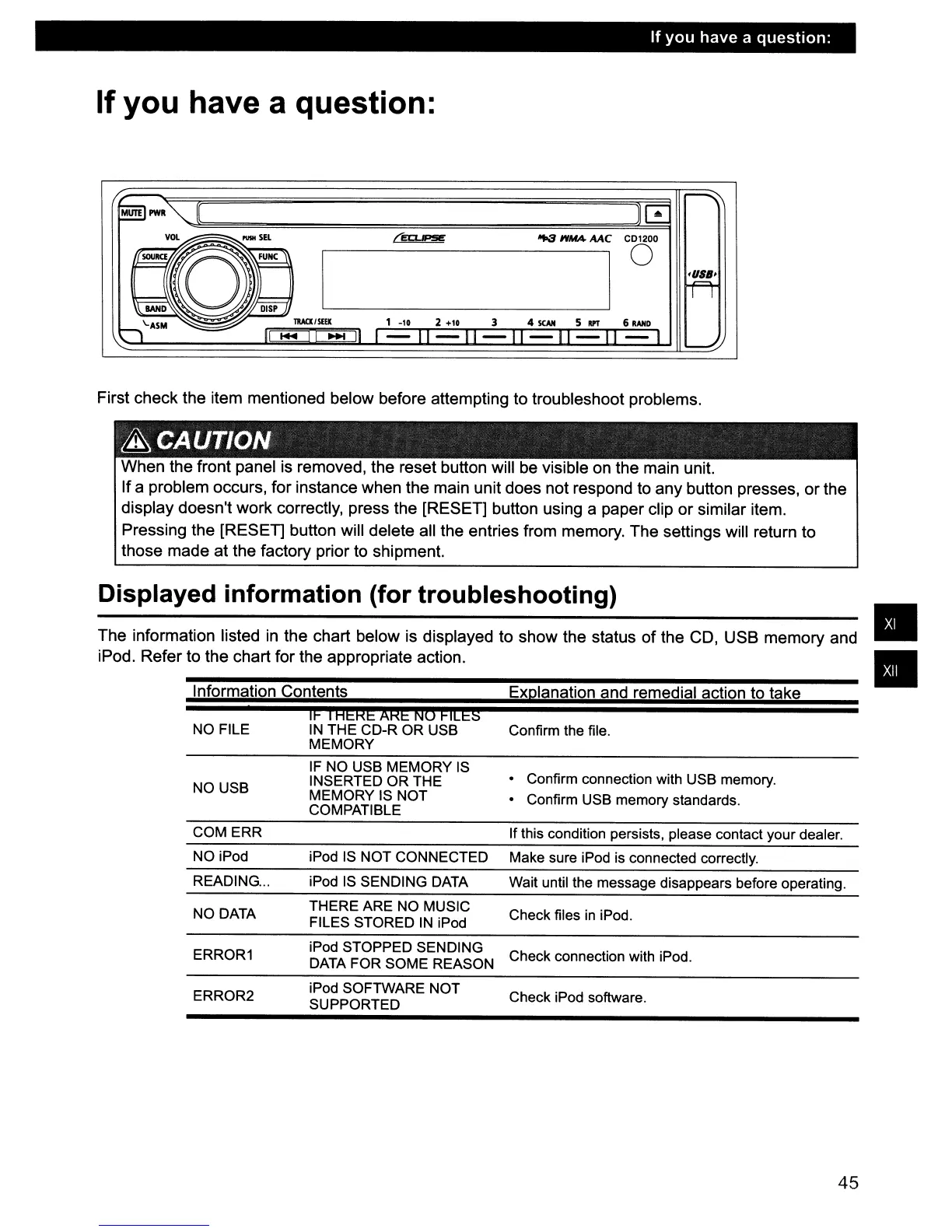
When the front panel is removed, the reset button will be visible
on
the main unit.
If a problem occurs, for instance when the main unit does not respond to any button presses, or the
display doesn't work correctly, press the [RESET] button using a paper clip or similar item.
Pressing the [RESET] button will delete all the entries from memory. The settings will return to
those made at the factory prior to shipment.
Information Contents
•
•
Confirm the file.
Explanation and remedial action to take
II!
i
HgKg
AKg
NO
I!ILg§
IN
THE CD-R OR USB
MEMORY
NO FILE
NO USB
IF NO USB MEMORY IS
INSERTED OR THE
MEMORY IS NOT
COMPATIBLE
• Confirm connection with USB memory.
• Confirm USB memory standards.
COM ERR If this condition persists, please contact your dealer.
NO iPod iPod IS NOT CONNECTED Make sure iPod is connected correctly.
READING
...
iPod
IS
SENDING DATA
Wait until the message disappears before operating.
NO DATA
THERE ARE NO MUSIC
FILES STORED
IN
iPod
Check files in iPod.
ERROR1
iPod STOPPED SENDING
DATA FOR SOME REASON
Check connection with iPod.
ERROR2
iPod SOFTWARE NOT
SUPPORTED
Check iPod software.
45



 To Next Page