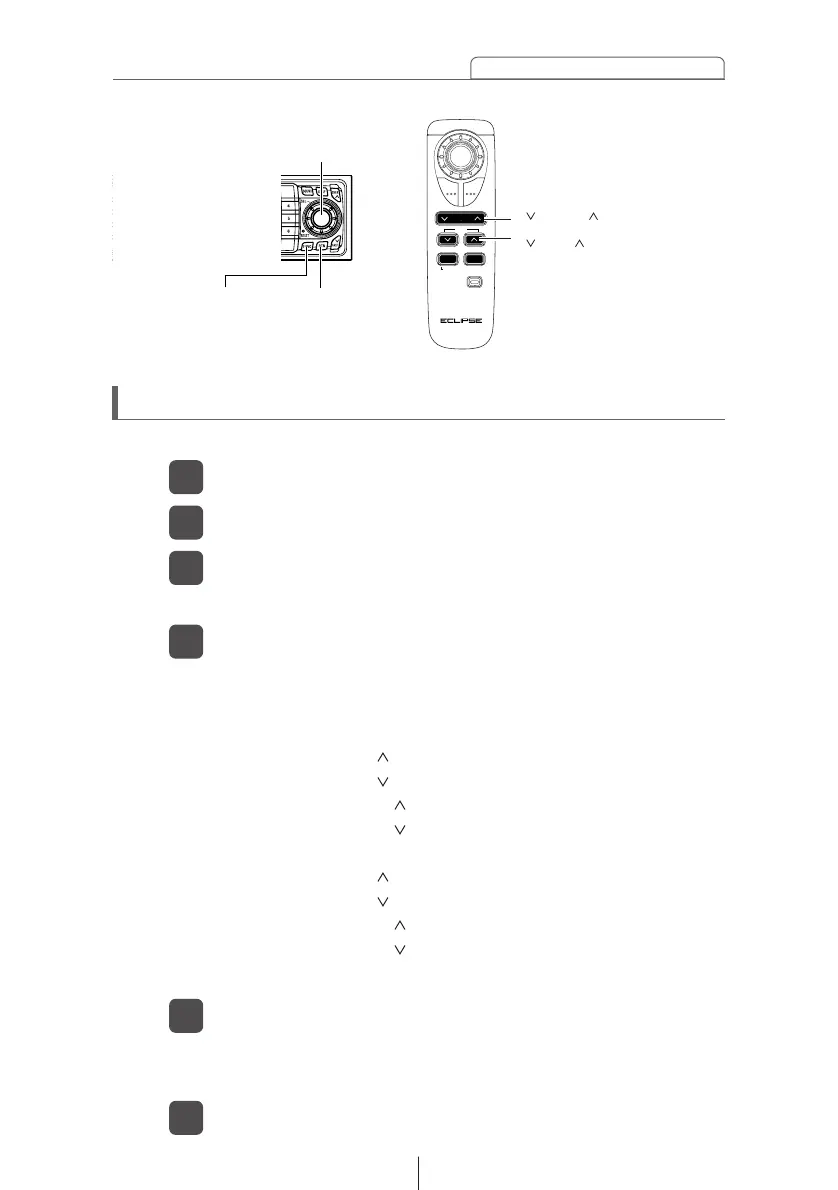
[ DISC ] buttons
[ TRACK ] buttons
Switching the remote control settings
Press the [FUNC] button of the main unit.
1
Turn [SEL] button to select a pattern.
4
Remote control functions can be switched to the three patterns.
PATTERN A: Conventional functions
PATTERN B: [DISC ] button ................Repeat
[DISC ] button ................Answer
[TRACK ] button.............Next
[TRACK ] button.............Previous
Other functions than the above are conventional functions.
PATTERN C: [DISC ] button ...............Option4
[DISC ] button ...............Option3
[TRACK ] button ............Option2
[TRACK ] button ............Option1
Other functions than the above are conventional functions.
The pattern is switched in the order of A, B, and C so that the
E-com function can be supported.
Turn [SEL] button to select REMOTE.
2
The remote control function switching mode is activated.
Press the [SEL] button.
3
Press the [RTN] button.
5
Press the [FUNC] button to exit Function Mode.
6
At this time, other adjustments can also be made in Function
Mode.



 To Next Page