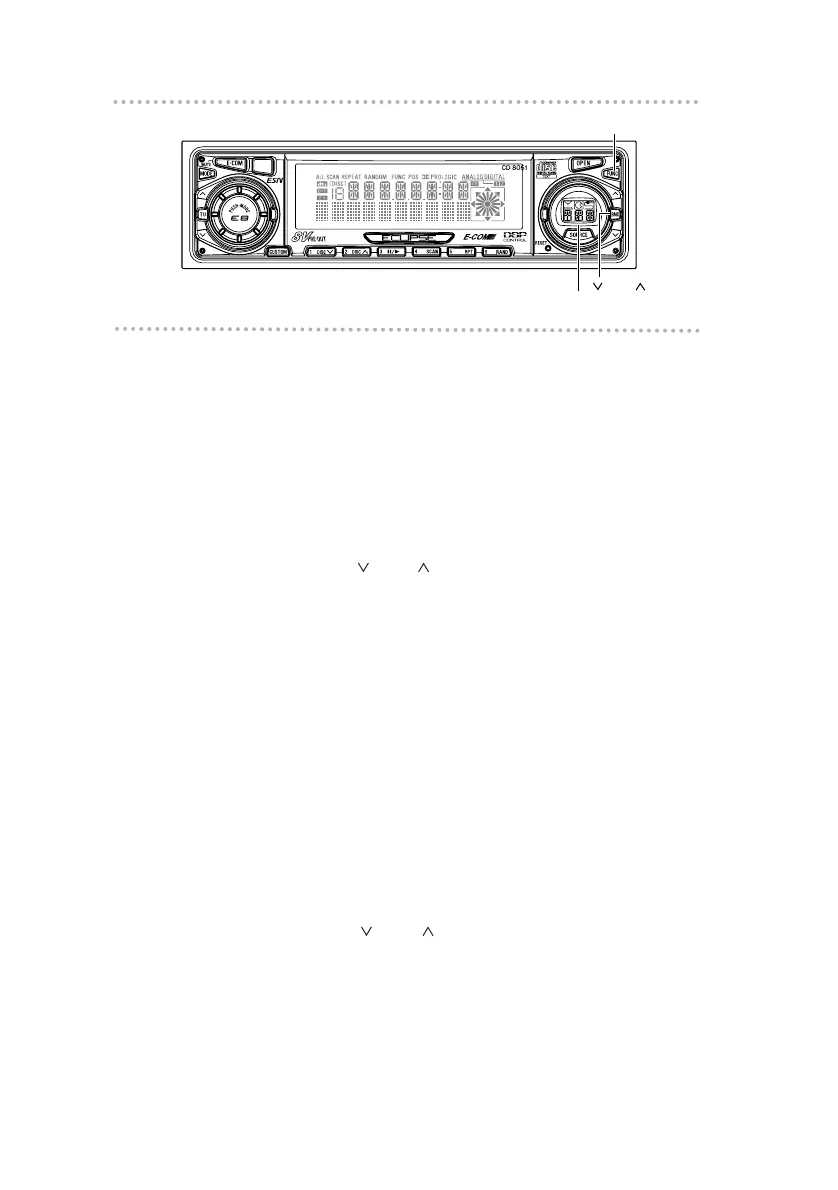
Disabling the Cross Over (F.R) function
Here, the HPF (high-pass filter) to the front and rear pre-
outs can be switched ON and OFF.
Since the high-pass filter passes only higher ranges (lower
ranges are cut off), efficient playback is enabled by cutting
off lower-range elements not needed for the mid to higher
range speaker.
1. Press the [FUNC] button.
2. Press the [ BND ] button until [CO/F&R OFF]
appears on the screen.
3. Press the [SOURCE] button to switch Cross Over
(F.R) ON/OFF.
4. Press the [FUNC] button.
Pressing the button will cancel Function mode.
Disabling the Cross Over (NF) function
Here, the LPF (low-pass filter) to the non-fader pre-out can
be switched ON and OFF.
Since the low-pass filter passes only lower ranges (higher
ranges are cut off), efficient playback is enabled by cutting
off mid to higher range elements not needed for a woofer.
1. Press the [FUNC] button.
2. Press the [ BND ] button until [CO/NF OFF]
appears on the screen.
3. Press the [SOURCE] button to switch Cross Over
(NF) ON/OFF.
4. Press the [FUNC] button.
Pressing the button will cancel Function mode.



 To Next Page