Technical service manualecoGEO
16
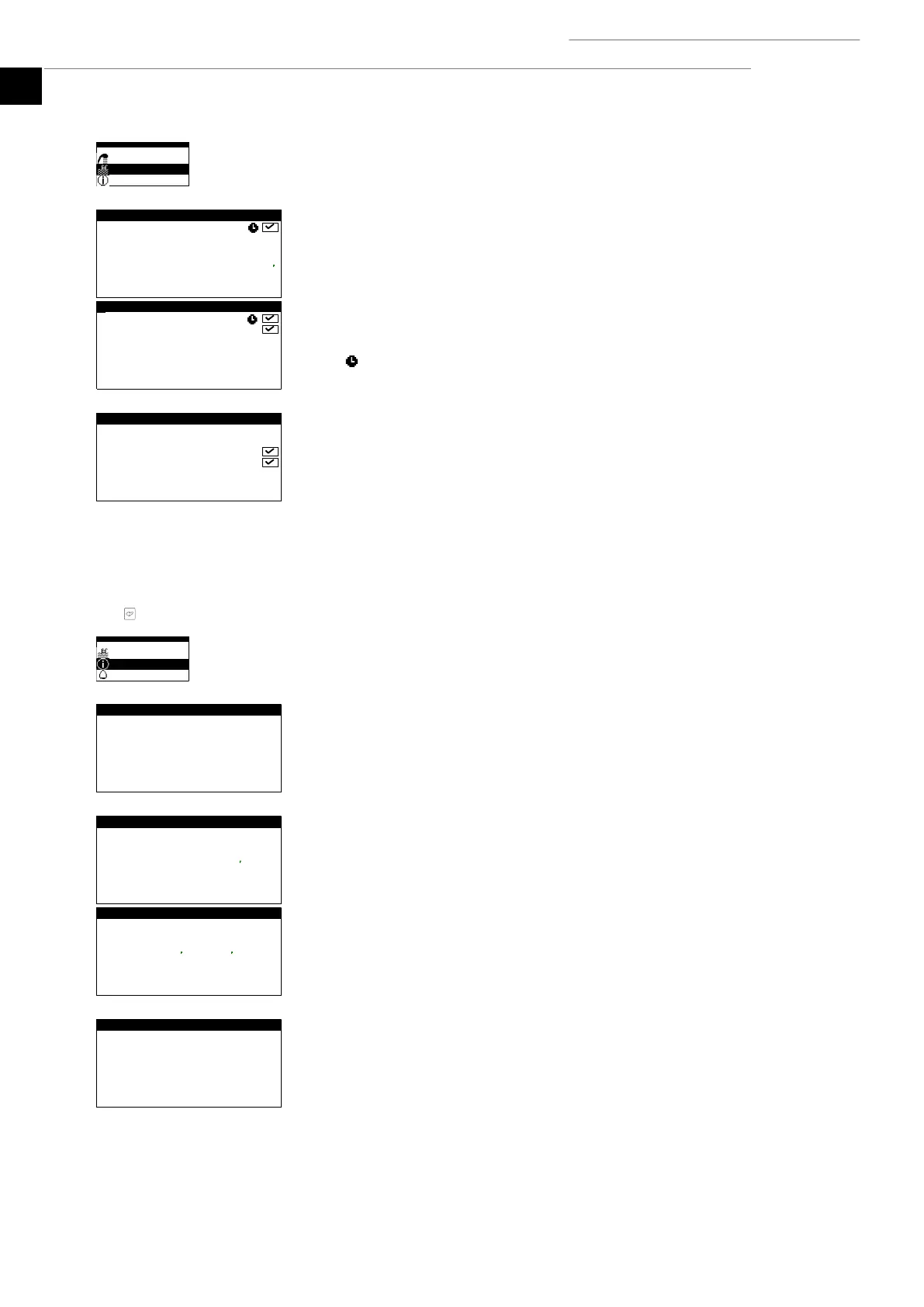
Pool
Used to enable the POOL mode.
In versions for ecoGEO B and ecoGEO C, it can be used to adjust the percentage of
minutes/hours that the heat pump is dedicated to the POOL mode when there are
simultaneous demands for heating and pool during the WINTER program.
In versions for ecoGEO HP, it can be used to adjust the setpoint temperature and the start-
up temperature differential of the pool.
The icon indicates that there is a time schedule activated in the POOL mode.
Auxiliary X pool
This is used to enable the auxiliary POOL system in both EMERGENCY and SUPPORT mode.
In EMERGENCY mode, the auxiliary system is activated automatically if there are any active
alarms that prevent compressor start-up.
In SUPPORT mode, the auxiliary system is activated automatically for normal POOL
production, as programmed by the technical service.
1.15. INFORMATION Menu
Press for quick access to the information menu from the main screen.
Brine/Production
This shows the inlet and return temperatures, temperature difference, current pressure
and the percentage of circulator pump regulation in the brine and production circuits.
Hybrid / Heat Unit System
In hybrid brine systems (geothermal-aerothermal), it displays the inlet and return
temperatures and the percentage of energy absorption in each brine system. It also
displays the air-antifreeze temperature difference, the aerothermal operation factor (ASF)
and the estimated setpoint for the defrost program to start up.
In exclusively aerothermal brine systems, it only displays aerothermal information.
Outside temperature
Shows the current outdoor temperature.



 To Next Page