Technical service manualecoGEO
30
BMS2 configuration
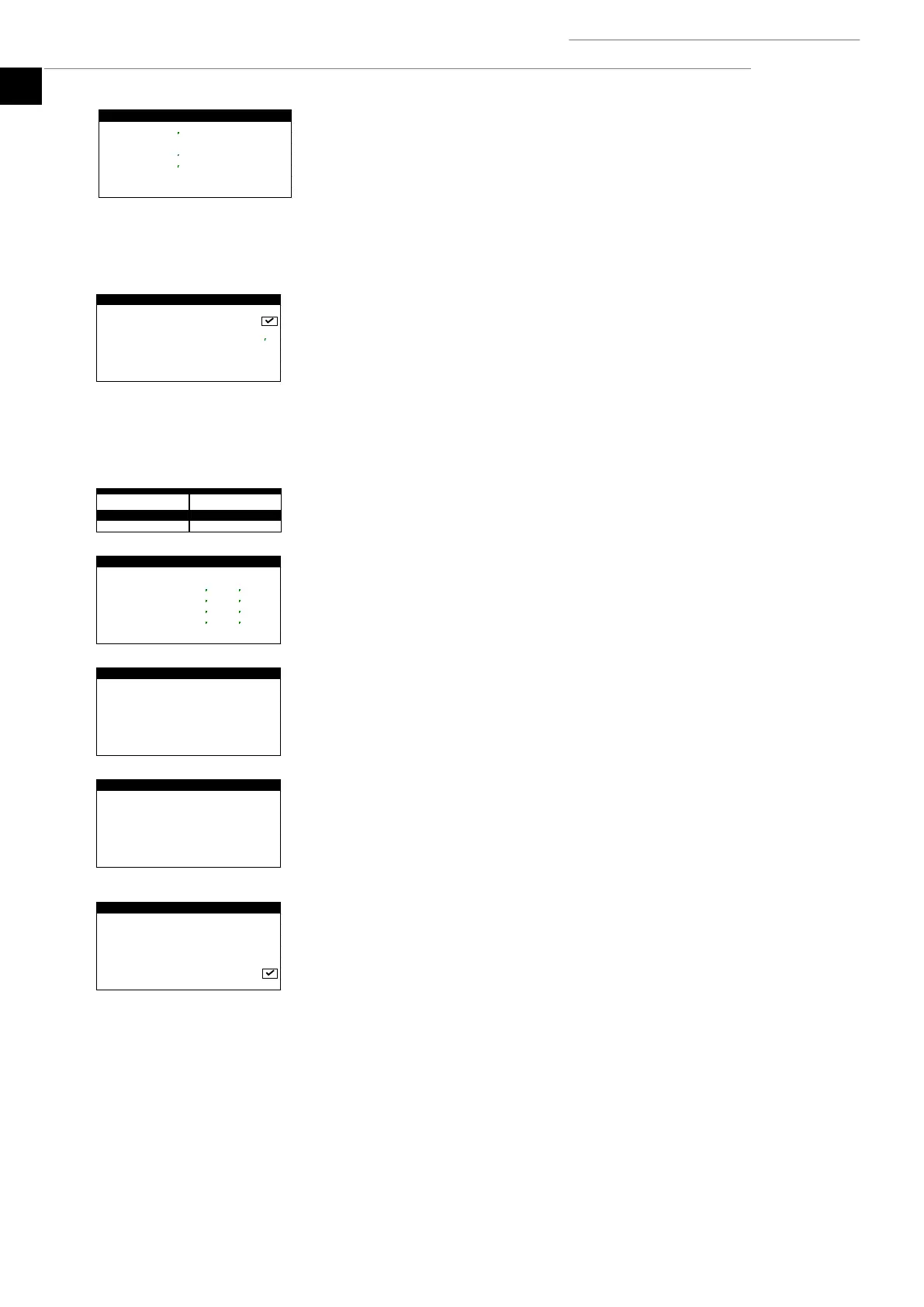
1. Used to assign the controller BMS2 port address.
2. Used to configure the communication parameters via the BMS2 port.
Note: This port can be used to connect indoor bus terminals with MODBUS MASTER
configuration.
Note: This port can be used to access the controller remotely with MODBUS SLAVE
EXTENDED configuration.
Note: This screen is only available in ecoGEO HP models.
pLAN communication
1. Used to enable / disable communication between controllers through the pLan port.
2. Used to assign the network address of the controller.
Note: This port can be used to connect blocks of heat pumps with parallel operation.
2.12. Protection configuration
Limit compressor
1. Used to limit the modulation range of the compressor for each production service. This
option is used to adjust the range of thermal power supplied to the production circuit,
absorbed in the brine circuit or the electrical consumption of the heat pump.
Limit pumps
1. Used to limit the modulation range of the brine and production circulation pumps. This
option is used to adjust the flow of the brine and production circuits.
Brine protection
1. Used to adjust the maximum and minimum temperature of the brine circuit. If any of
the limit values are reached, the brine temperature alarm is activated.
2. Used to set the minimum pressure of the brine circuit, under which the alarm is
triggered.
Production protection
1. Used to adjust the minimum production temperature in cooling mode. If the set
temperature is reached, the compressor stops.
2. Used to set the minimum pressure of the production circuit, under which the alarm is
triggered.
3. Used to adjust the anti-freeze protection of the production circuit. If the external
temperature drops below 5°C, the circulation of the production circuit pumps is
activated. If the temperature drops below 20°C in any part of the production circuit,
the heat pump starts up.



 To Next Page