Technical service manual ecoGEO
27
2.8. Configuration of production priorities
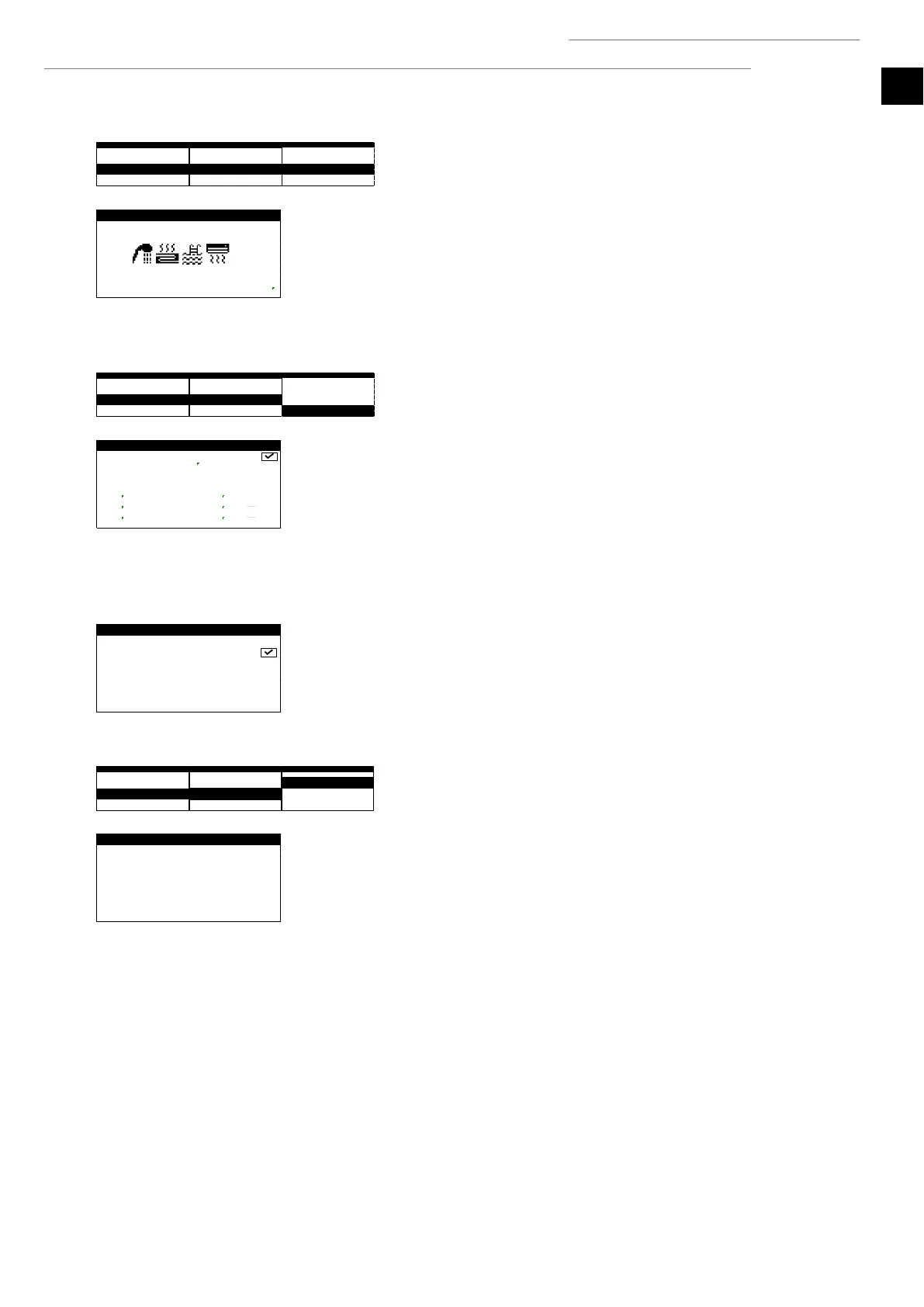
Priorities
1. Allows the response to the different services to be prioritised. Services with the same
priority level can be dealt with simultaneously.
Note: This option is only available in ecoGEO HP models.
2.9. Activation of special programs
Floor drying
1. Used to enable the floor drying program. This program helps control the mortar drying
process using underfloor heating.
2. It allows setting a schedule with up to six time periods with different outlet
temperatures.
Note: After all the stages set in the floor drying program are completed, the heat pump
returns to normal operation. If there are requests for the enabled services, the heat pump
deals with them.
Installation bleeding
1. Used to enable the bleeding program of the installation. This program turns the
circulation pumps of the installation on and off to assist the bleeding.
2.10. Configuration of auxiliary equipment
Heat support
1. Used to set the outdoor temperature at which simultaneous use of the heat pump and
the auxiliary equipment is allowed.
2. Used to set a minimum time period and the temperature difference with regard to the
outlet target temperature so the auxiliary equipment can be used at the same time. If
the outlet temperature remains below the target within a range higher than the
starting temperature difference and during at least the established starting time, the
use of auxiliary equipment is allowed.
3. Used to set the temperature at which the heat pump is replaced by the auxiliary
equipment. The compressor cannot be used below the replacement temperature and
all services are dealt with by the enabled support equipment.
Note: The parallel support parameters only affect the heating and pool services. The
replacement temperature affects all services (heating, cooling, DHW and pool).
4/7 Auxiliary systems /5







 To Next Page