INSTRUCTIONS MANUAL
-111-
INFO
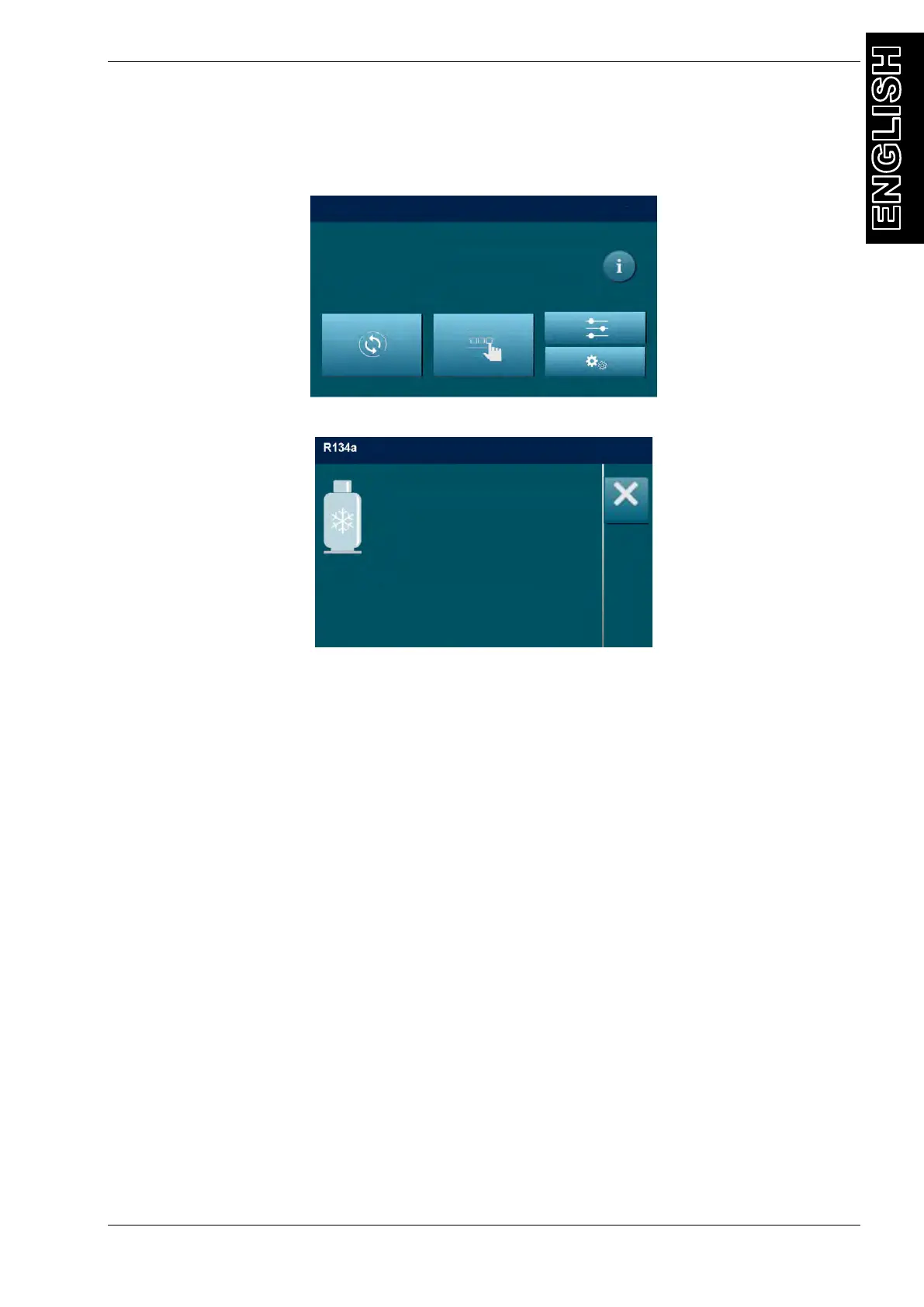
This menu shows all data read by the machine. From the MAIN MENU:
Press “i” key , the following screen will be displayed:
Tank refrigerant:
o Total: total amount of refrigerant in the storage tank
o Available: quantity of refrigerant available in the storage tank.
Tank temperature: refrigerant storage tank temperature
OIL 1: quantity of OIL in the OIL 1 container
OIL 2 (UV): quantity of OIL/UV in the OIL 2 (UV) container
Used oil: quantity of OIL in the used oil container
SW: actual software version
SN: Unit serial number
Prev.SW: Previous software version
DB Ver.: Database version running on unit
DB: activated Database
ACT.COD.: Activation code of the unit
Press ESC to return to MAIN MENU.
____________
Tank refrigerant:
Total 0 g
Available 0 g
Tank Pressure 0.00 bar
Tank Temperature 23.2°c
OIL 1 0 ml
OIL 2 (UV) 0 ml
Used Oil 0 ml
SW xxxxxxx SN: xxxxxxx
Prev.SW xxxxxxx DB Ver. xxxxxxx
DB: xxxxxxx
ACT.COD. xxxxxxx



 To Next Page