INSTRUCTIONS MANUAL
-42-
OIL+UV INJECTION
This operation can be carried out ONLY following a vacuum operation.
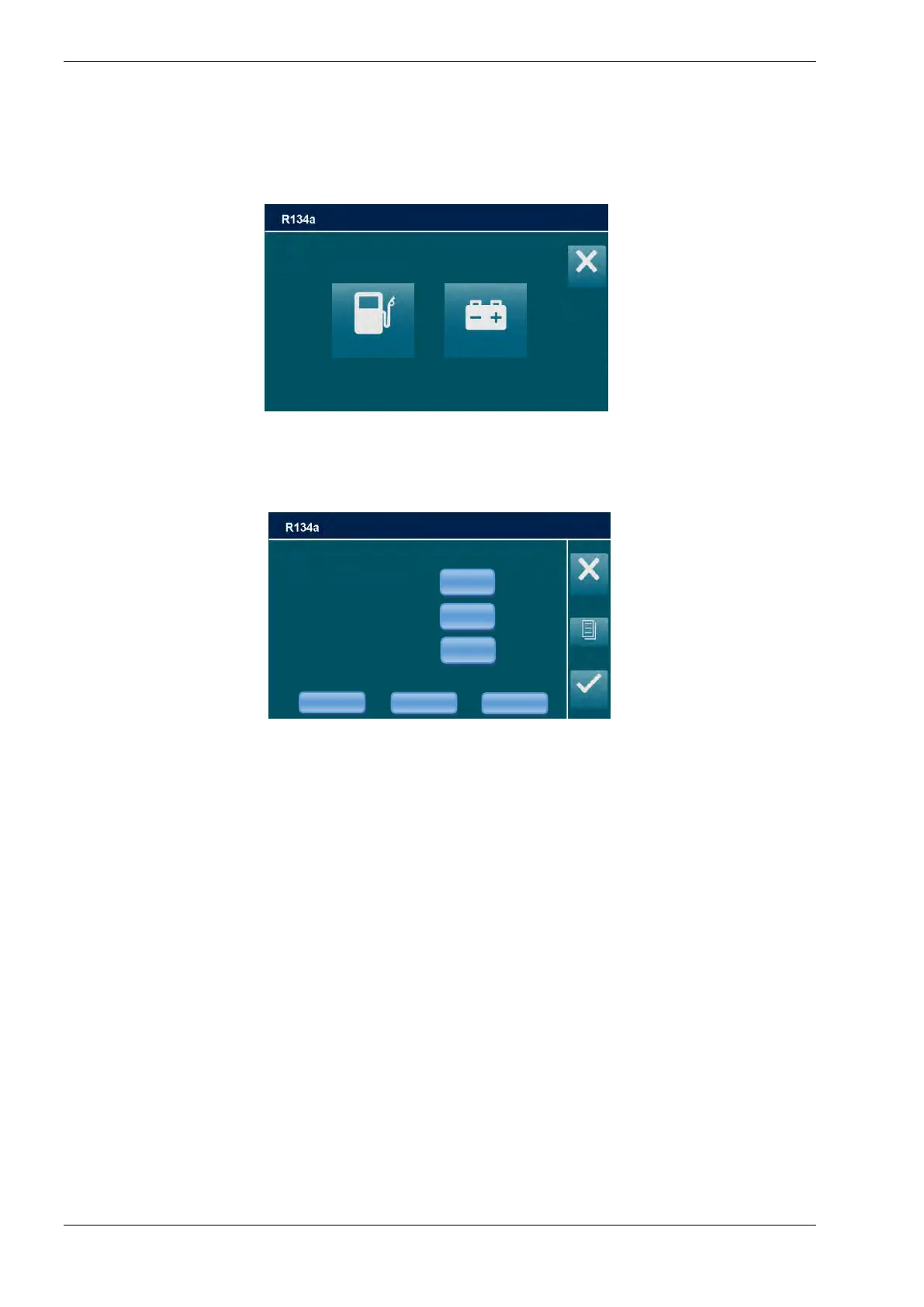
From the MANUAL PROCEDURE, select OIL INJECTION, the following screen is displayed
(only if the hardware for hybrid vehicles is installed in the machine):
NOTE: to change the type of OIL and UV refer to OIL SETTINGS (SETUP menu)
If HYBRID VEHICLE is selected the machine will perform FLUSHING HOSES
Select the STANDARD VEHICLE or HYBRID VEHICLE; the following screen will be displayed:
NOTE: When HYBRID VEHICLE is selected only UV HYBRID and POE HYBRID OIL
injection is allowed. PAG OIL, POE OIL and UV are disabled.
NOTE: press button to enable active box, then use the keypad to modify procedure
parameters
EDIT OIL DATA
Press OIL* button to enable active box, then use the keys 0 to 9 to type the volume of oil to be
automatically reintegrated after Vacuum (type “0” for no oil injection).
* the OIL button could be disabled while servicing HYBRID VEHICLE, depending on OIL type
EDIT UV DATA
Press UV* button to enable active box, then use the keys 0 to 9 to type the volume of UV to be
automatically reintegrated after Vacuum (type “0” for no UV injection),
* the UV button could be disabled while servicing HYBRID VEHICLE, depending on UV type
EDIT GAS CHARGE DATA
NOTE: For most systems the quantity of fluid to be refilled is indicated on a plate that is in the
vehicle’s engine compartment. If this quantity is not known, look for it in the relevant manuals.
Press GAS CHARGE button to enable active box, then use the keys 0 to 9 to type the quantity
(in grams) of refrigerant to be charged into the A/C system.



 To Next Page