INSTRUCTIONS MANUAL
-23-
CONTROL PANEL FUNCTION KEYS
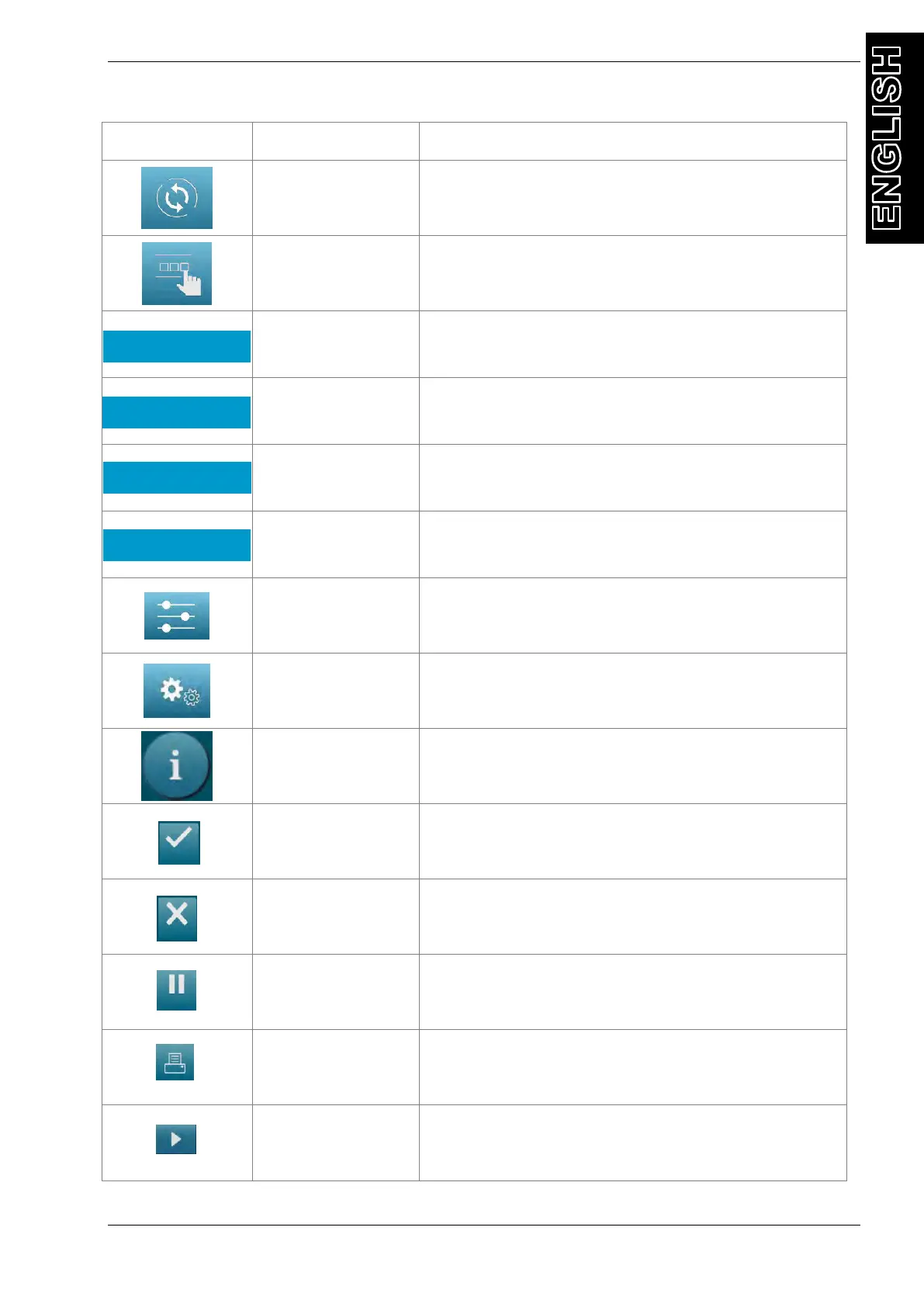
activates a menu that helps the user set up an
automatic recover/vacuum/leak test/charge
sequence.
activates a menu that helps the user to perform a
manual operation:
activates a menu that helps the user to perform a
recovery/recycling phase (without SAE J-2788 or
SAE J-2843 compliance)
activates a menu that helps the user to perform a
vacuum phase
activates a menu that helps the user to perform a
oil injection followed by a gas CHARGE phase
activates a menu that helps the user to perform a
gas CHARGE phase
activates the setup menu of the service station
activates the maintenance menu of the service
station
activates a menu that contains all the information
of the service station
Back symbol, to return back without confirm
Stop symbol, to stop a phase
Print symbol, to print data
Arrow symbol, to move in the menu



 To Next Page