INSTRUCTIONS MANUAL
-32-
Edit GAS CHARGE mode
Select the connection mode:
- HP to fill the refrigerant only from the HP service port,
- LP to fill the refrigerant only from the LP service port,
- HP+LP fill the refrigerant from both HP and LP service ports
START AUTOMATIC PROCEDURE
After selected all the procedure data, press ENTER to continue,
If gas analyzer is installed, The machine will test the purity of the refrigerant gas in the A/C
system before beginning recovery (refer to Gas analyzer instruction manual)
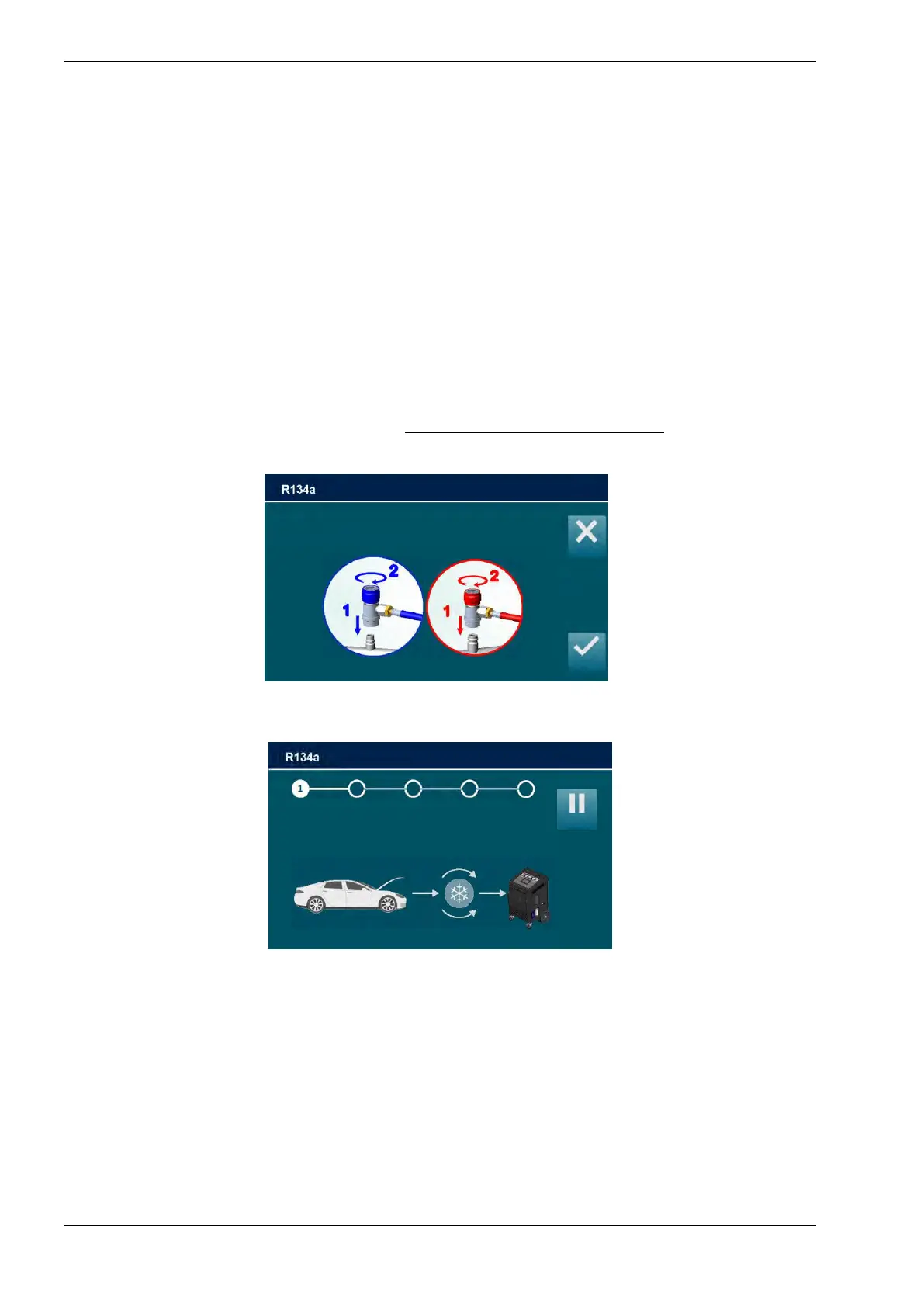
AUTOMATIC PROCEDURE will start, and the following screen will be displayed:
Connect and open the coupling to the A/C system, then press ENTER, press ESC to return
back
During the recovery phase, the machine displays the quantity of refrigerant recovered, in
grams. Upon completion of recovery, the machine will stop and discharge, while automatically
displaying the used oil extracted from the A/C system during the recovery phase.
The oil discharge operation lasts 4 minutes.
Connect and open HP and LP couplings
To A/C system and press ENTER
Gas recovered: 0g
A/C pressure -0.5 bar
Tank Temperature 25.2 °C



 To Next Page