INSTRUCTIONS MANUAL
-26-
PRELIMINARY OPERATIONS
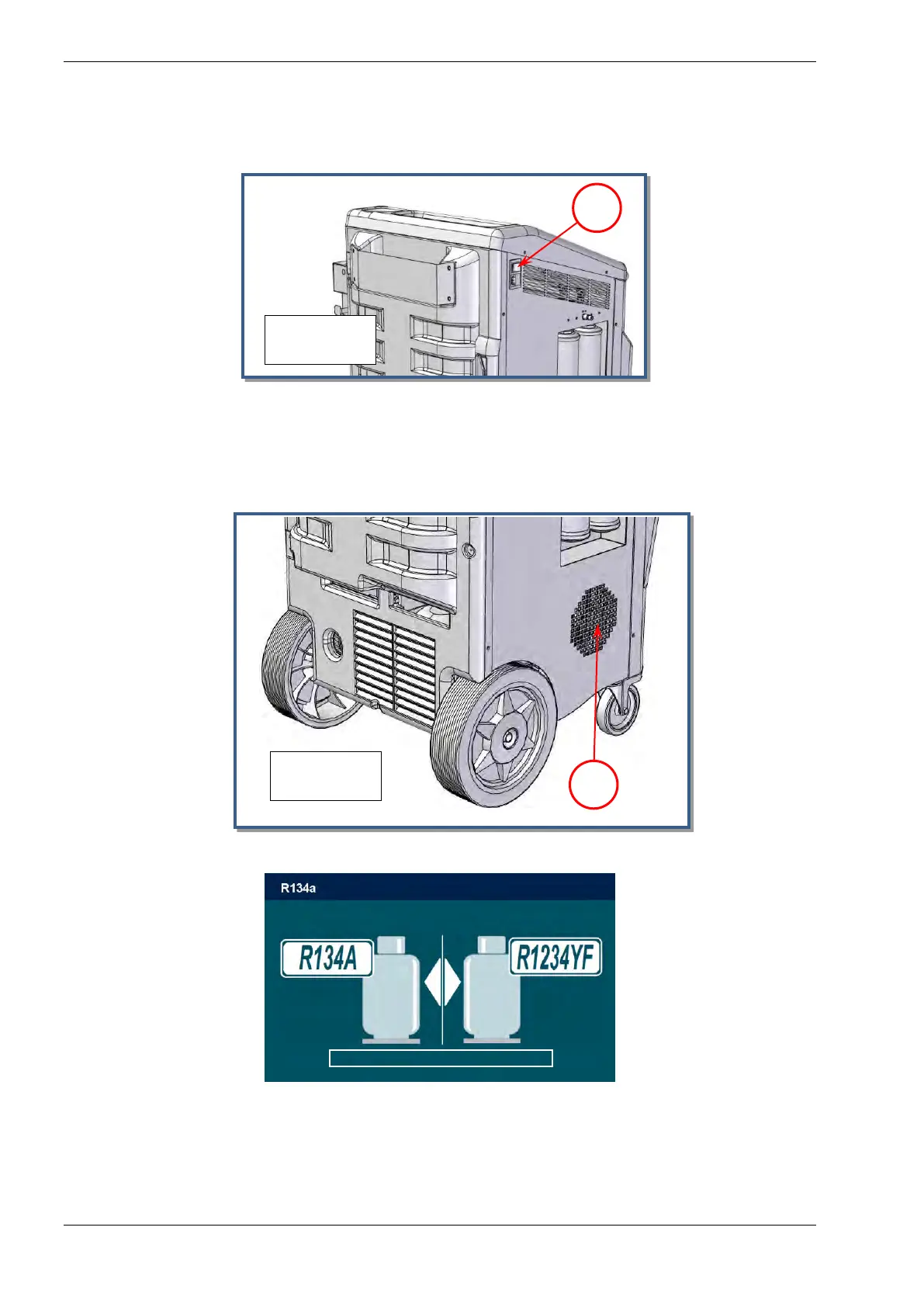
- Check that the main switch (ref.1, Fig.11) is set to O. Connect the machine to the
electrical supply and switch on.
-
- If not activated, at the startup the machine ask for database activation,
Press ESC to skip or ENTER to begin activation process
- The fan will now extract air from inside the machine
- Check that the fan (ref.1, Fig.12) is running.
- The following screen will be displayed:
- Choose type of refrigerant for servicing.
- If the refrigerant selected is different from the one used in the previous service, the
following message is displayed:



 To Next Page