INSTRUCTIONS MANUAL
-58-
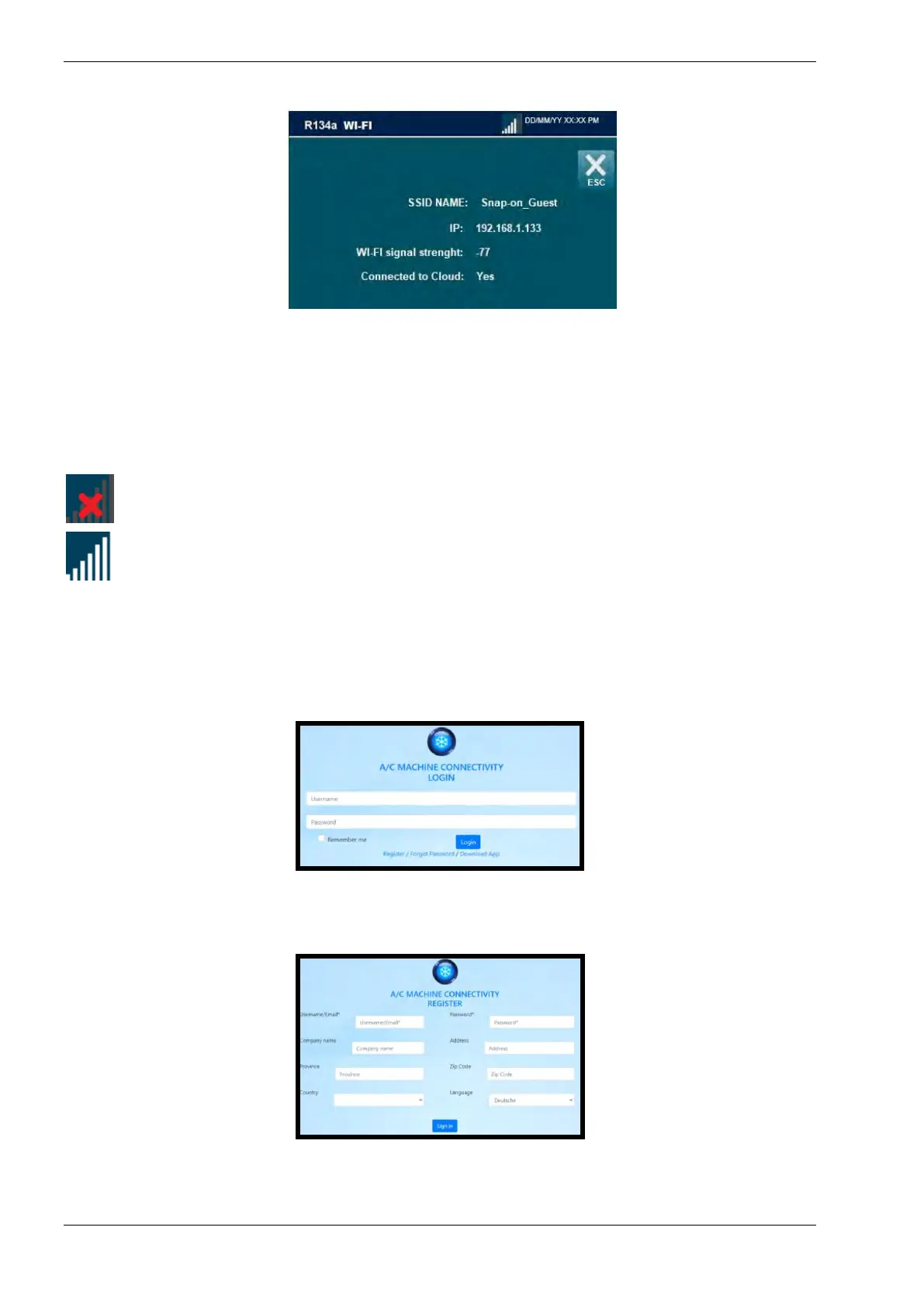
Wi-Fi information screen, it shows:
o SSID NAME: name of the network to which we are connected
o IP: connection IP address
o WIFI signal strength: Power of the connected Wi-Fi network
o Connected to cloud: Verification of successful connection to the network
NOTE: this symbol in the upper left corner show that the WI-FI is enabled, but the
machine is not connected to a WI-FI network
NOTE: this symbol in the upper left corner show that the WI-FI is enabled, and the
machine is correctly connected to a WI-FI network and indicates the signal strength
AC-SERVICE24
The A/C machine is now connective. For on-line data transmission to PC or Smartphone, the
machine has to be registered in your personal account of the on-line service.
Enter in the on-line service to create your on-line account: http://ac-service24.com/app
1st time: press REGISTER to create your account with username (e-mail address) and define
your password. In the future it‘ll be enough to login with username (e-mail address) and your
password.
To create the account, fill in the form and press SIGN IN.
Your account is now created and ready for use.



 To Next Page